For inventory products, we support same dayshipping upon payment.
For urgent needs, we offer same-day shipping on most items for orders placed before 2:00 PM UTC+8 Simply mention your preferred next-day shipping when place the order, and your order will be prioritized to minimize downtime.
For indent items, typical turnaround is 1-3 weeks, depending on parts availability and scarcity.
Manuals, software, firmware, cables, calibration data and accessories are included only when listed in the quotation. AMIKON is an independent supplier and is not affiliated with or authorised by the manufacturer.
This content has been produced using multiple sources. Takes no responsibility for the accuracy of this information. Always consult the original equipment manufacturer for the most up to date instructions and information.
FREQUENTLY ASKED QUESTIONS
Questions buyers ask about AB7000-C
Direct answers about identity, compatibility, stock, warranty, payment and shipping.
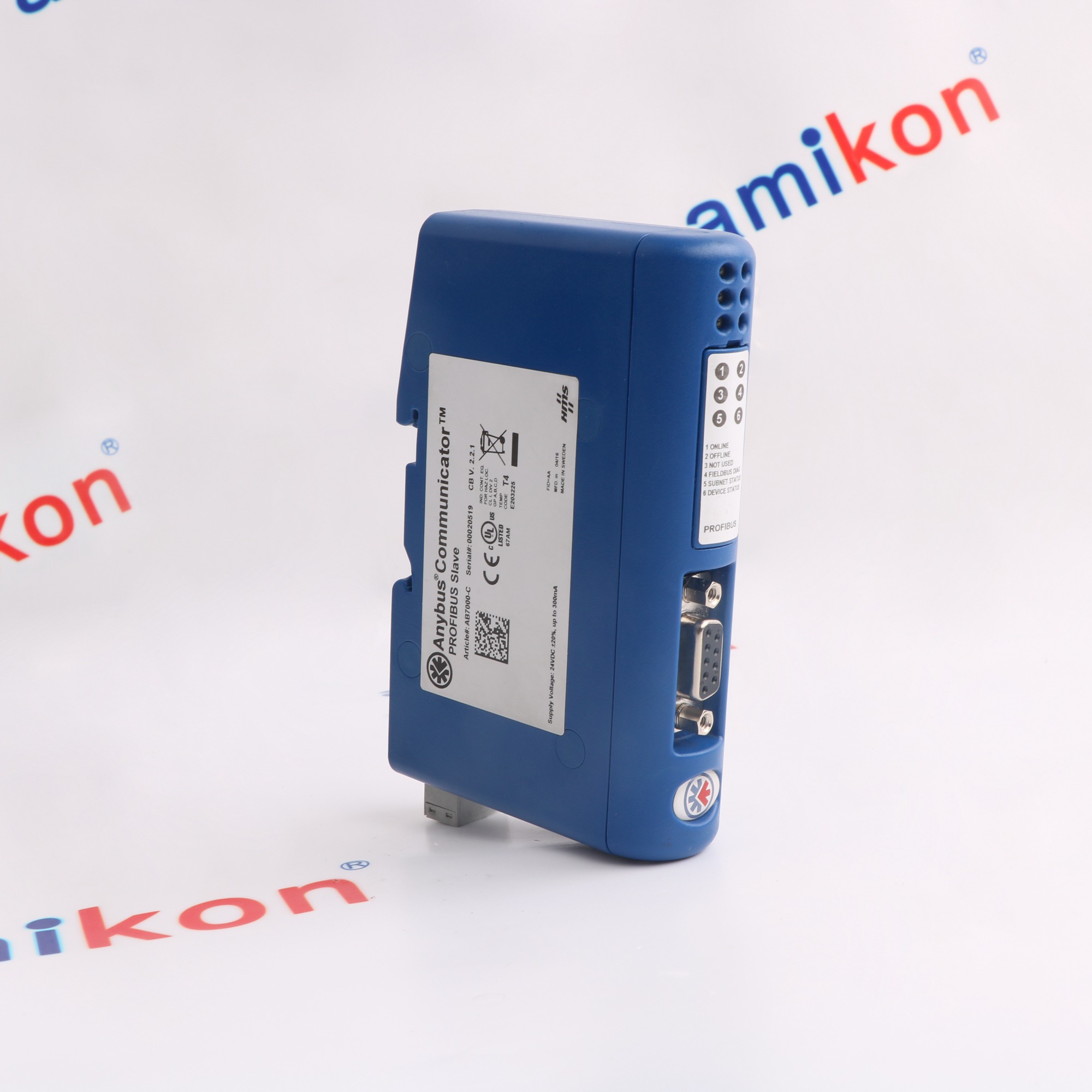
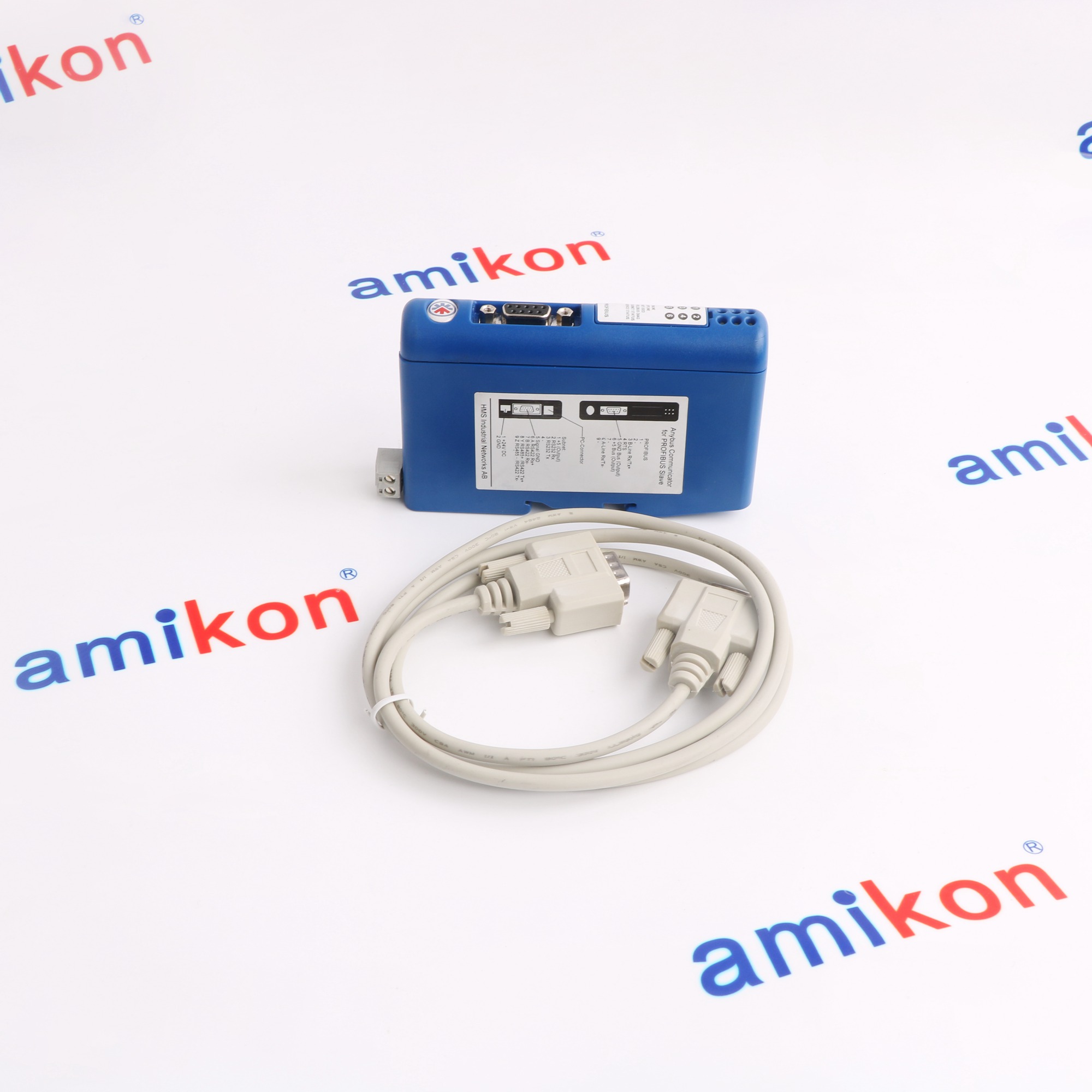
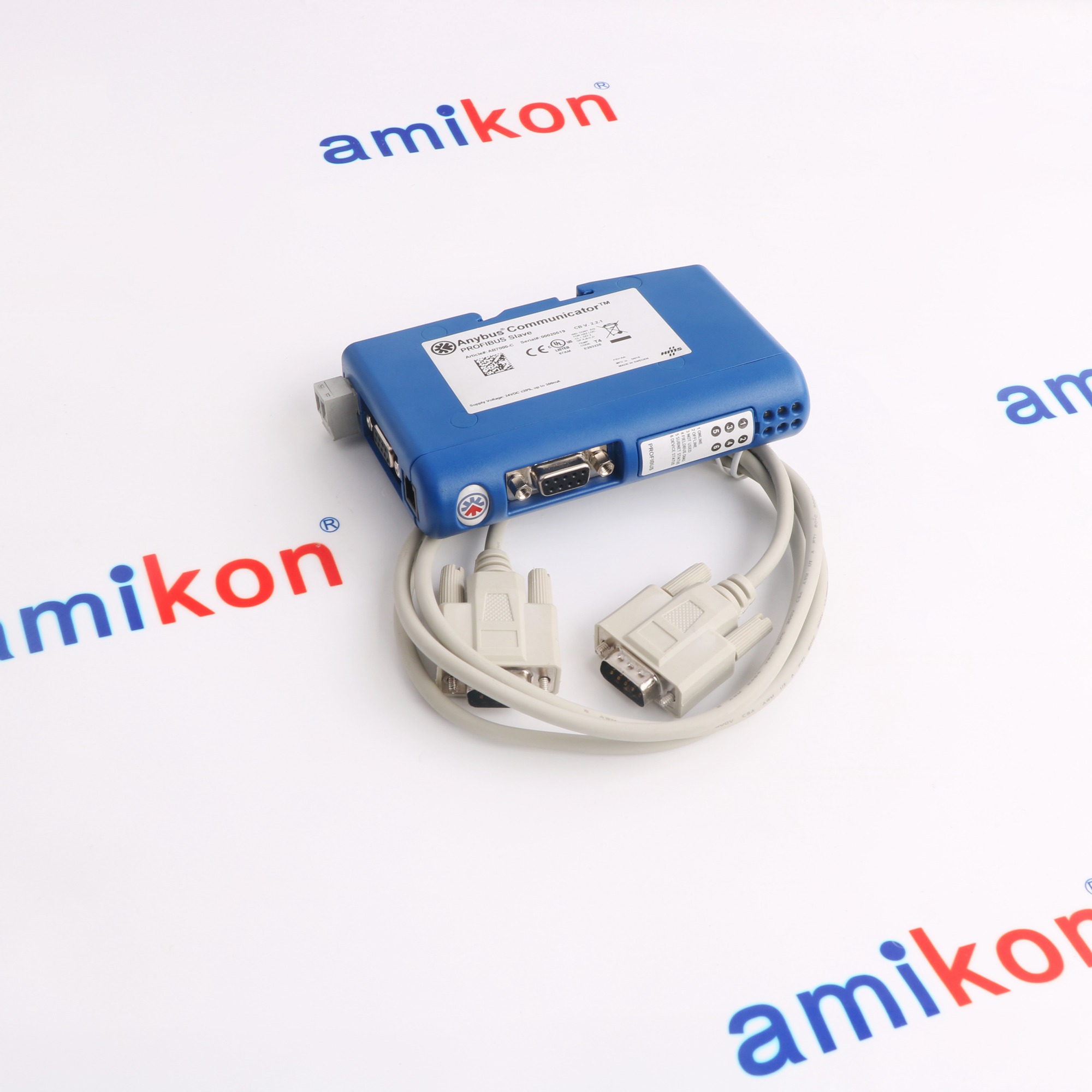
The Anybus Communicator (AB7000-C) is a protocol converter that enables RS-232/422/485 devices to communicate with a PROFIBUS-DP network. It is commonly used for connecting industrial equipment like variable frequency drives, sensors, and barcode readers to PLC systems.
How do I configure the AB7000-C?
Configuration is done via a USB-to-serial cable using the Anybus Configuration Manager.
Where to connect the serial device?
Serial devices connect to the bottom terminals, while the PROFIBUS cable connects to the front D-sub connector.
READY TO VERIFY YOUR PART?
Get a AB7000-C quote with price, lead time and revision check.
Trusted by 5,000+ plants worldwide | Backed by our vast inventory of top-tier control parts, drives and servo motors, fast shipments are dispatched to cover your urgent needs. ABOUT US >>
Disclaimer: Amikon Limited sells new and surplus products and develops channels for purchasing such products. Amikon Limited is not an authorized surplus dealer or affiliate for the Manufacturer of this product. The product may have older date codes or be an older series than that available direct from the factory or authorized dealers. Because Amikon Limited is not an authorized distributor of this product, the Original Manufacturer's warranty does not apply. Amikon Limited is not an authorized distributor, dealer, or representative of the products displayed on this website. All product names, trademarks, brands, and logos used on this website are the property of their respective owners. The description, explanation, or sale of products with these names, trademarks, brands, and logos is for identification purposes only and is not intended to indicate any association with or authorization from any rights holder.