
-
Please try to be as accurate as possible with your search.
-
We can quote you on 1000s of specialist parts, even if they are not listed on our website.
-
We can't find any results for “”.
Complete KJ3222X1-BA1 Troubleshooting Guide for Industrial Automation
Industrial plants run on clean signals and predictable behavior. When an analog input module goes sideways, production follows. This guide distills practical, on‑site troubleshooting for Emerson’s DeltaV analog input card KJ3222X1-BA1, grounded in field experience with 4–20 mA and HART devices and cross‑checked against marketplace and vendor summaries. It is written for technicians and engineers who need to get loops back online quickly and safely, while avoiding misdiagnosis and unnecessary module swaps.
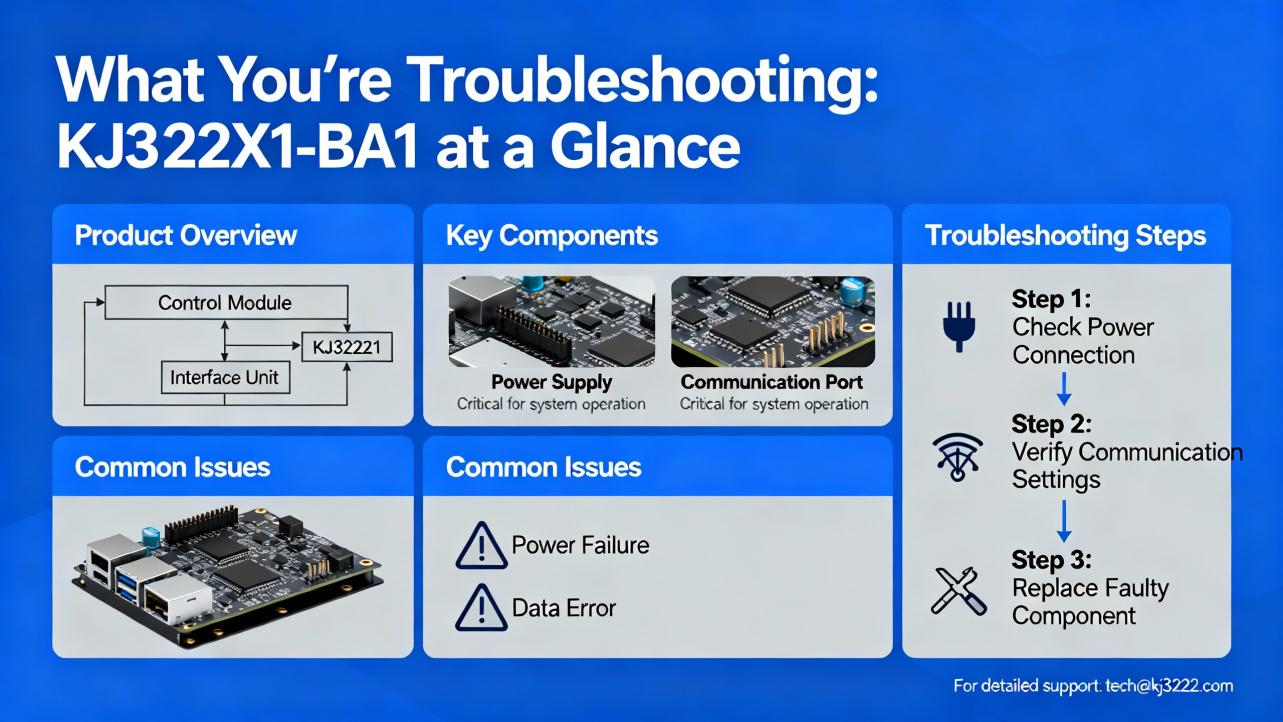
What You’re Troubleshooting: KJ3222X1-BA1 at a Glance
KJ3222X1-BA1 is widely listed as an Emerson DeltaV analog input module that provides eight channels of 4–20 mA inputs with HART capability. You will often see the model formatted both as KJ3222X1-BA1 and KJ3222X1BA1, which refer to the same hardware in most listings. Several sellers describe it as a “Series 2” variant for DeltaV systems. That “Series 2” label appears to be a seller shorthand for a hardware revision rather than an official marketing family name; confirm the exact revision printed on your module faceplate before purchasing spares or mixing revisions. The most succinct public description of this card class is the eBay marketplace listing noting eight channels, 4–20 mA, and HART support, which aligns with typical DeltaV AI module capabilities.
Two discrepancies show up in the wild and can waste time if you don’t catch them early. First, some reseller pages that headline KJ3222X1-BA1 actually describe DeltaV controller features instead of I/O specifics, likely due to templated product pages. An example is the Runsheng Industrial Control write‑up that mixes in controller content and logistics notes; the seller even cautions that the model number should take precedence over photos. Second, a few listings emphasize “Series 2” without clarifying how that maps to Emerson’s S‑series terminology. When you see either divergence, handle it as a labeling and metadata issue rather than a technical statement. The simplest validation is to read the exact model and revision from the physical label on the module and cross‑check with Emerson documentation or your system’s as‑built I/O list.
Here is a compact snapshot of what you are most likely dealing with, all of which is consistent with public listings and common use in DeltaV systems:
| Attribute | Details | Notes |
|---|---|---|
| Model | KJ3222X1-BA1 (also KJ3222X1BA1) | Confirm printed label on the module |
| Function | Analog Input card | Typical DeltaV I/O module class |
| Channels | 8 | Channelized signal density per card |
| Signal Type | 4–20 mA | Current loop; industry standard |
| Protocol | HART capable | Smart device communication overlay |
| Hardware Generation | Often listed as “Series 2” | Treat as revision; verify on label |
| System Context | DeltaV I/O subsystem | Use with proper carriers/backplane |
If the above does not match your installed hardware, stop and verify the module label and carrier type. Swap‑in attempts across incompatible carriers or backplanes create intermittent faults that look like field device failures.
How the 4–20 mA + HART Path Works in DeltaV
A 4–20 mA loop is a current signal where 4 mA represents the low range and 20 mA represents the high range. HART rides on top as a low‑amplitude frequency shift keying signal, allowing digital diagnostics and configuration without disturbing the analog measurement. In DeltaV architectures, the analog input card measures the loop current per channel, and the DeltaV controller aggregates those values for scanning, alarming, historian trending, and interlocks. HART “pass‑through” typically requires the controller and system to be configured to forward HART data to a workstation, where software such as AMS Device Manager can read, configure, and diagnose field instruments.
A vendor write‑up summarizing Emerson controller capabilities notes that HART information can be passed from field devices to workstations for remote device management. That feature is implemented at the system level and depends on controller and network configuration, not solely on the AI card. If HART appears missing even when the analog values look correct, do not assume the input module is at fault; check controller pass‑through settings and AMS visibility first.
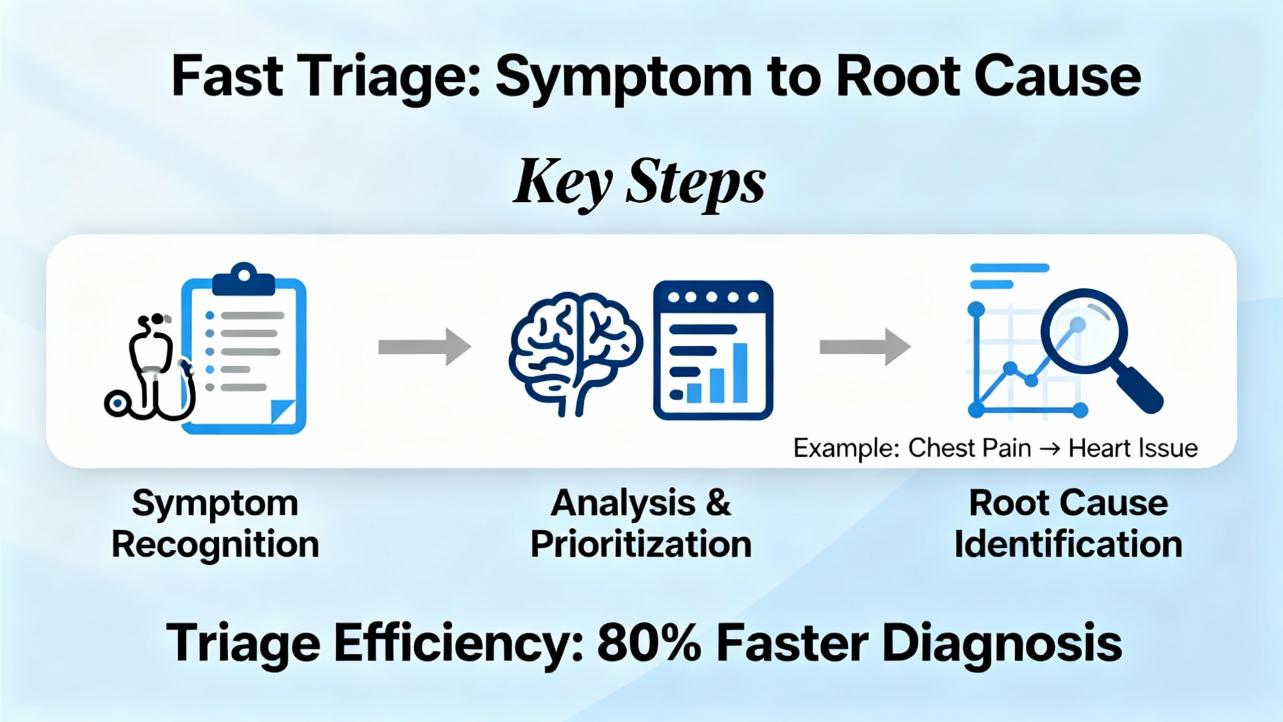
Fast Triage: Symptom to Root Cause
When the plant is waiting, begin with observable symptoms, validate the simplest possibilities, and escalate in a structured way. The table below captures field‑proven correlations for 4–20 mA and HART, expressed as likely causes and practical checks. Treat these as standard instrumentation diagnostics that apply to this card class; they are not proprietary procedures.
| Symptom | Likely Cause | Quick Validation | Practical Fix |
|---|---|---|---|
| Reading near zero or stuck at low end | Open loop, blown fuse, miswired polarity, unpowered transmitter | Measure loop current in series; verify 24 VDC at device; inspect terminations | Restore loop power or polarity; tighten terminals; replace blown fuse; repair open |
| Reading pegged high or saturated | Shorted loop, wrong range scaling, miswired shunt | Temporarily insert a loop calibrator; isolate device; check wiring diagram | Fix short; correct range in configuration; remove unintended shunt |
| Noisy, jittering values | Ground loop, poor shielding, long run near VFD or welder cables | Measure noise with meter; inspect shield bonding at one end only; reroute test cable | Bond shield at one end; reroute or separate cable; add ferrites or differential input filters |
| Multiple channels dead on one card | Lost field 24 VDC feed, backplane issue, card not seated | Check cabinet power, carrier LEDs, and module seating | Restore 24 VDC; reseat the card; inspect backplane and carrier |
| Single channel consistently off by a fixed amount | Scaling mismatch, wrong LRV/URV, device configured in percent not engineering units | Compare raw counts to configured range; read device range over HART | Align LRV/URV; set device to engineering units; re‑range in logic |
| HART device not discovered | HART pass‑through disabled, AMS not licensed, missing HART resistor in loop | Attempt discovery from workstation; check controller pass‑through; verify loop impedance | Enable pass‑through; confirm AMS access; add or verify HART resistor if required |
| Intermittent dropouts during heavy equipment start | EMI coupling from motors or welders; loose terminals | Correlate event timestamps with motor starts; tug test terminals | Improve separation and shielding; retorque terminals; consider surge suppression |
| Random spikes on one channel only | Moisture ingress, corroded terminations | Visual inspection; megger the cable if appropriate | Dry and reseal junction boxes; replace corroded terminals or cable |
These patterns hold across most 4–20 mA HART installations, including DeltaV. If you see a different failure signature, isolate whether the fault moves with the channel, the cable, or the field device; then work from there.
A Deep‑Dive Workflow That Solves Problems Under Pressure
Begin at the physical layer. Inspect the cabinet and the module’s seating in the carrier, verify the field 24 VDC feed, and check that the terminal blocks are fully latched. A surprising number of “bad card” calls end up being a loose field terminal or an unlatched block, especially after recent maintenance. If you suspect a channel, move the suspect device wire pair to a known‑good adjacent channel and observe whether the problem follows the wiring or stays with the original channel. Moving one wire pair is faster and safer than swapping the module in a live cabinet.
Measure current properly. To check a loop, break the circuit and insert a meter in series or use a loop calibrator that can source or measure 4–20 mA accurately. Do not rely on voltage across the terminals to infer current; a loop can show nominal voltage with near‑zero current if there is a high‑resistance open somewhere in the run. Where isolation permits, measure at both the field side and the cabinet side to localize the fault in minutes instead of hours.
Leverage HART intelligently. If the analog readings are valid but the workstation does not see HART, verify system pathing before blaming the card. Confirm that the controller level HART pass‑through is enabled and that your workstation has the necessary software access. A vendor summary of Emerson controller functionality underscores that HART data is passed upstream by the controller; therefore, the failure could be elsewhere in the chain. If in doubt, plug in a handheld HART communicator at the marshalling panel. If the handheld sees the device and AMS does not, the issue is upstream of the loop, not at the AI card.
Interrogate configuration before replacing hardware. In a compressed outage window, it is tempting to swap the module quickly. Instead, inspect the configured LRV/URV, scaling blocks in DeltaV control modules, and range expectations in the historian or HMI. When a device has been re‑ranged in the field and the database was not updated, you will see stubbornly “wrong” engineering units despite perfect current. Fix the range mismatch and your alarms and trends will fall back in line.
Escalate to hardware last. Only after eliminating power issues, wiring faults, configuration errors, and HART pass‑through should you consider the module itself. If multiple channels show symptoms that stubbornly stay with the physical slot regardless of wiring swaps, you have a stronger case. Even then, confirm environmental and backplane conditions before calling it a failed card.
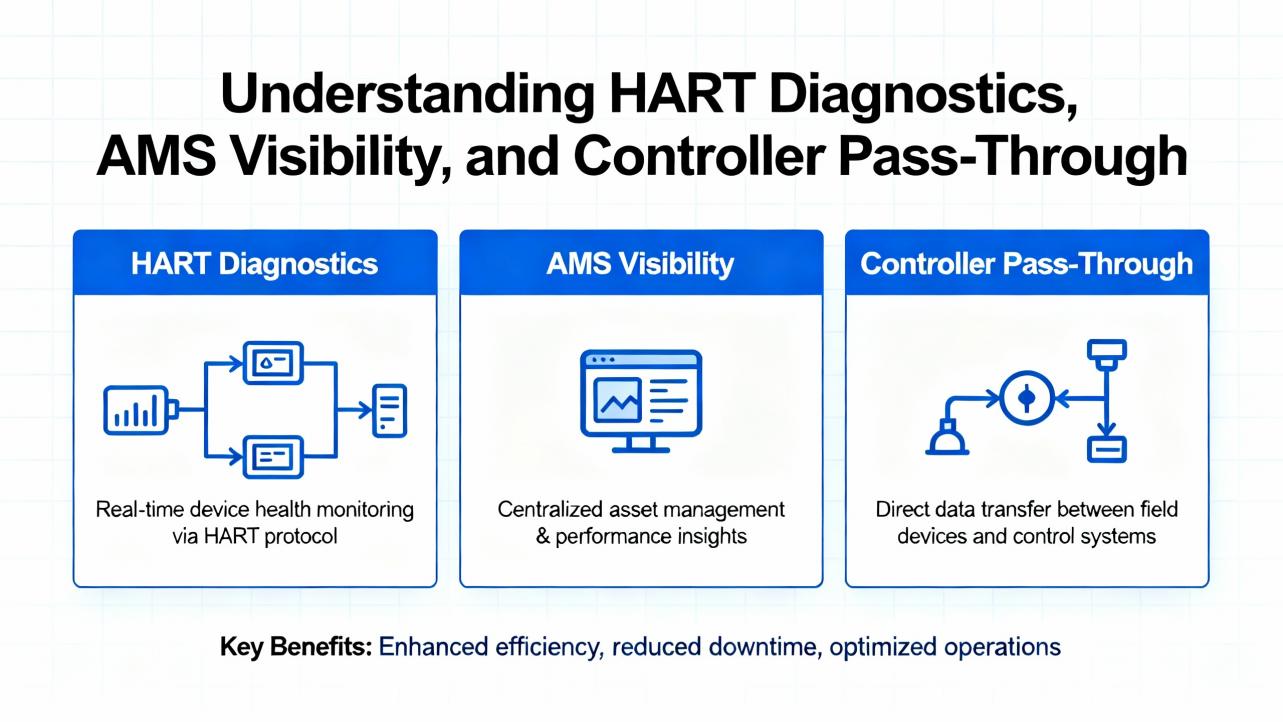
HART Diagnostics, AMS Visibility, and Controller Pass‑Through
HART diagnostics are often the fastest way to separate field device problems from control system problems. When HART data does not appear in your workstation tools even though the analog value is healthy, three checks clear most roadblocks. First, confirm that the system is configured to pass HART data from the I/O to the controller and then to the workstation; Emerson product literature and vendor summaries emphasize controller‑level pass‑through rather than card‑localized logic. Second, verify loop impedance because HART needs a proper resistor in the loop to communicate reliably; consult the transmitter documentation. Third, test locally with a handheld communicator at the marshalling panel. If you can talk to the device locally, you have proven the loop and the instrument; focus on controller configuration and workstation access.
An underappreciated nuance from reseller summaries of Emerson systems is that controller versions and features evolve over time. For example, controller releases that added flexible I/O assignments and wireless I/O support made HART routing and diagnostics easier in many plants. That does not change what the AI card measures, but it does change where you should look first when HART data goes missing. If your plant runs mixed controller vintages across units, compare behavior unit‑to‑unit to rule out version‑specific settings. Where uncertainty remains, validate by checking whether a workstation on a different node can discover the same device.
Commissioning and Configuration Mistakes That Masquerade as Hardware Faults
The fastest way to turn a healthy loop into a troubleshooting marathon is to let a configuration mismatch slip into production. The most common pattern is a field re‑range where the transmitter low and high range values are changed in the field without updating the control module scaling. The result looks like a card or device fault because alarms no longer make sense and trends drift. Another frequent trap is a device set to percent output while the control module expects engineering units. This shows up as perfectly smooth but consistently wrong values. A third case is a loop wired for 2‑wire devices where the installer assumed the card provided loop power; if the loop supply is external and missing, the input sits flat.
HART can help but do not rely on it to paper over configuration. Use HART to read the device configuration, note the calibrated range, and then align the control module parameters. If your plant has change management, log the change at both ends to avoid drifting back out of alignment during future maintenance.
Care, Handling, and Preventive Maintenance
Analog input modules are robust but not immune to handling errors. Treat them as electronics: use ESD precautions, avoid flexing the board, and seat and unseat only with cabinet power and procedures that your site permits. Keep terminal blocks and carriers clean and dry; moisture in junction boxes generates intermittent faults that mimic electronic failure. On storage shelves, keep modules in anti‑static bags inside clean, dry containers. After any cabinet work, retorque terminals to the specified value and tug test each pair; half‑seated wires are far more common than defective channels.
From a preventive angle, prioritize cable separation and shielding near variable frequency drives and welding areas. Bond shields at one end only to avoid ground loops, and route analog runs away from high‑current conductors. Where you cannot avoid proximity, ferrite cores and properly grounded trays can lower the noise floor enough to stabilize inputs.

Pros, Trade‑Offs, and When to Consider Alternatives
Cards of this class bring real strengths to process plants. Eight channels per card provide good density without sacrificing serviceability, and 4–20 mA is inherently robust against voltage drop and electrical noise over long runs. HART overlays allow you to extract diagnostics, read tags, and verify device ranges without removing the transmitter from service. The main trade‑offs are typical of current loops: you need solid loop power, clean terminations, and proper shielding to avoid jitter, and you must maintain configuration across both the device and the control module to keep engineering units coherent. If you run unusually long cable distances, environments with aggressive EMI, or frequent welding, you may need extra attention on grounding, routing, and transient suppression rather than expecting the I/O card to “filter it out.”

Buying and Spares: Choosing, Verifying, and Avoiding Mismatches
Spares strategy is a blend of technical fit and supply chain pragmatism. Public listings for KJ3222X1-BA1 consistently mention eight 4–20 mA channels with HART, and many tag it as “Series 2.” Treat “Series 2” as a hardware revision and verify it against the label on your installed cards, especially in mixed cabinets. Some reseller pages headline KJ3222X1-BA1 yet describe controller features such as HART pass‑through, scanning speeds, and network behavior. Those features belong to the DeltaV controller rather than the AI card and should not be used to select or reject an input module. The vendors themselves sometimes note that the model number takes precedence over photos and that images can be illustrative; take that reminder seriously, because it explains why listings for the same model may show different faceplates.
Marketplace listings that mention return windows and buyer‑paid return shipping underscore a practical point: check vendor return policies and restocking terms before purchasing, and verify your spares on arrival. A bench check with a loop calibrator across a few channels, plus a visual inspection of pins and terminal blocks, costs minutes and saves days during an outage. If a seller highlights brand‑new, original units and offers same‑day shipping, weigh that convenience against the need to match hardware revisions inside a single cabinet. In critical areas, buy spares in sets to avoid mixing revisions across adjacent slots, unless your site’s experience proves the mix is harmless. When time allows, confirm authenticity and revision with the seller using photos of the specific unit you will receive; reputable resellers are accustomed to that request.
A practical and often overlooked insight is that “Series 2” as presented by sellers may not line up cleanly with Emerson’s own family naming, which prefers S‑series terminology for hardware families. This mismatch is likely due to sellers working across many product lines and normalizing descriptors for their catalogs. The simplest way to cut through the noise is to match the printed model and revision on the module to your cabinet bill of materials and, when needed, consult Emerson part cross‑references. If the seller cannot provide a label photo that matches your requirement, keep shopping.
Where Sources Agree and Disagree—and What That Means for You
On core functionality—eight channels, 4–20 mA, and HART—public listings are consistent. On hardware lineage, the “Series 2” descriptor appears frequently in marketplace and reseller text, but the underlying technical meaning is not spelled out in those listings. Treat it as a revision marker and validate with the physical label rather than assuming feature differences. Reseller summaries that speak to controller‑level capabilities, such as HART pass‑through and batch execution, are accurate in context but they apply to the controller, not this AI card. The likely cause of these crossovers is template reuse across SKUs on reseller sites. To protect your commissioning schedule, verify the model against the label and the official DeltaV documentation, and do a quick bench test on arrival.
Takeaway
Troubleshooting a KJ3222X1-BA1 is mostly classic 4–20 mA and HART work: verify loop power and terminations, measure current in series, separate configuration mismatches from hardware faults, and use HART locally to prove the instrument. When HART goes missing at the workstation, look at controller pass‑through and AMS visibility before suspecting the AI card. Scrutinize marketplace text for mixing of controller features into I/O listings, and always match the exact model and revision on the module’s label. A measured approach—physical first, configuration second, hardware last—restores production faster and avoids unnecessary swaps.
FAQ
What is KJ3222X1-BA1 in plain terms and how is it used? It is an eight‑channel analog input card for Emerson DeltaV systems that reads 4–20 mA signals and supports HART diagnostics. It lives in the I/O cabinet on a carrier, accepts field terminations, and feeds values to the controller for logic, alarms, and trending. This description aligns with public marketplace listings and standard DeltaV I/O practices.
How do I tell if the problem is the channel, the cable, or the field device? Move the suspect wire pair to a known‑good channel and see whether the symptom follows the wiring or stays with the slot. Then insert a loop calibrator to source a clean 4–20 mA signal and observe the reading. If the card reads the calibrator correctly, the issue is in the field device or wiring. If the symptom stays in the original slot across swaps and a clean source, investigate the card and backplane.
Do I need HART to run my process, and what if HART is not visible? You do not need HART for basic analog reads; the process will run on 4–20 mA alone. If HART is not visible in your workstation tools, check controller pass‑through configuration and AMS access first. If a handheld communicator at the marshalling panel can see the device but the workstation cannot, the issue is upstream of the loop rather than at the AI card.
What does “Series 2” mean on some listings for KJ3222X1-BA1? Sellers often tag KJ3222X1-BA1 as “Series 2,” which appears to be a hardware revision label rather than an official family name. Because terminology varies by seller, validate the revision on the printed label of your installed modules and match like‑for‑like when buying spares. When in doubt, request a label photo and cross‑check with Emerson documentation.
A reseller page says KJ3222X1-BA1 supports controller features like batch and network self‑addressing. Is that accurate? Those are controller capabilities rather than AI card features. Some reseller pages mix controller descriptions into I/O listings due to templated content. Use the printed model on the hardware and the official DeltaV documentation to separate controller functions from card functions. If you need to validate quickly, compare the module label, your cabinet BOM, and a loop bench test.
What is a safe first move during a shutdown when a loop reads wrong and time is tight? Start with physical checks. Reseat the terminal block, verify the 24 VDC feed, measure loop current with a calibrator, and tug test terminations. Align the device’s LRV/URV with the control module’s scaling. Only when these checks fail to resolve the issue should you consider swapping the module, and even then, confirm that the symptom stays with the slot across a known‑good source.
Sources cited in this guide include an eBay marketplace listing describing KJ3222X1‑BA1 as an eight‑channel 4–20 mA HART analog input, a Runsheng Industrial Control summary that highlights Emerson controller pass‑through for HART and cautions that model numbers trump photos, and general reliability positioning from MoorePLC concerning redundancy in mission‑critical systems. Where this guide extrapolates beyond those notes—such as detailed 4–20 mA troubleshooting—it does so based on standard instrumentation practice and years of on‑site DeltaV work; if any specific step feels uncertain for your plant’s configuration, validate by reading the module’s printed label and cross‑checking against your Emerson documentation or by performing a quick bench test with a loop calibrator.
References
- https://www.mooreplc.com/
- https://m.alibaba.com/showroom/deltav-analog-input-card.html
- https://axcontroler.com/EMERSON/emerson-12p2532x152-kj3222x1-ba1-deltav-sx-controller
- https://www.ebay.com/itm/267301766897
- https://sicoelectric.goldsupplier.com/blog/
- https://idspower.com/deltav-dcs-troubleshooting/
- https://ojautomation.com/content/troubleshooting-industrial-automation-systems-a-step-by-step-guide
- https://www.plcdcspro.com/products/kj3222x1-ba1-12p2532x092-emerson-delta-v-analog-input-module-4-20ma
- https://ramautomations.com/collections/emerson?page=3
- https://www.rocindustrial.com/post/troubleshooting-101-common-industrial-automation-problems-and-how-to-solve-them
Keep your system in play!


Related articles Browse All
-
 amikong NewsSchneider Electric HMIGTO5310: A Powerful Touchscreen Panel for Industrial Automation2025-08-11 16:24:25Overview of the Schneider Electric HMIGTO5310 The Schneider Electric HMIGTO5310 is a high-performance Magelis GTO touchscreen panel designed for industrial automation and infrastructure applications. With a 10.4" TFT LCD display and 640 x 480 VGA resolution, this HMI delivers crisp, clear visu...
 -
 BlogImplementing Vision Systems for Industrial Robots: Enhancing Precision and Automation2025-08-12 11:26:54Industrial robots gain powerful new abilities through vision systems. These systems give robots the sense of sight, so they can understand and react to what is around them. So, robots can perform complex tasks with greater accuracy and flexibility. Automation in manufacturing reaches a new level of ...
 -
 BlogOptimizing PM Schedules Data-Driven Approaches to Preventative Maintenance2025-08-21 18:08:33Moving away from fixed maintenance schedules is a significant operational shift. Companies now use data to guide their maintenance efforts. This change leads to greater efficiency and equipment reliability. The goal is to perform the right task at the right time, based on real information, not just ...


- Q&A
- Policies How to order Part status information Shipping Method Return Policy Warranty Policy Payment Terms Email Marketing Policy VAT and Import Information
- Asset Recovery
- We Buy Your Equipment. Industry Cases Amikong News Technical Resources Why choose us
- Registered Address
-
32D Guomao Building, No.388, Hubin south Road, Siming district, Xiamen,Fujian, China

Leave Your Comment