
-
Please try to be as accurate as possible with your search.
-
We can quote you on 1000s of specialist parts, even if they are not listed on our website.
-
We can't find any results for “”.
Siemens S5 Discontinued Modules: Vintage PLC Component Specialist
The SIMATIC S5 family left an indelible mark on factory automation. Decades after its launch, S5 racks still hum along in bottling plants, furnaces, and packaging lines across the U.S. The catch is that the line has been formally discontinued and is well past its official end of life, which means owners now live with diminishing spares, rising downtime risk, and a shrinking pool of technicians fluent in STEP 5. As a veteran systems integrator who has maintained, migrated, and sourced parts for S5 systems, I wrote this guide to help you operate safely in the legacy phase and decide, with pragmatic clarity, when to repair and when to modernize.
The State of SIMATIC S5 Today
Siemens confirmed that the SIMATIC S5 product life cycle ended on September 30, 2020; as of October 1, 2020, original spare parts and repairs are no longer provided. That date matters because it formally shifted support from first-party to secondary markets and third‑party repair shops. Siemens Industry Online Support also noted a few exceptions: certain S5 batteries remain available and the SIMATIC Field PG M6 can still support S5 for legacy servicing. The existence of battery spares does not change the EOL status of CPUs, I/O, power supplies, or communications processors, but it can keep volatile memory-backed systems alive long enough to extract programs and stage upgrades. These details come from Siemens.
In practical terms, EOL means you will rely on used or refurbished spares, reclaimed from decommissioned lines or stocked by specialty suppliers. It also means higher prices and variable lead times. Siemens has for years pre-announced component retirements, such as reclassifying CP 530 modules to “mature” status before discontinuation, which offered a short window for last‑time buys. That policy history, published by Siemens, is a clue to how the aftermarket evolved: hardware spares persisted while software media and documentation ceased.
What “discontinued” really means on the plant floor
For maintenance managers, “discontinued” translates to fewer safety nets. If a CPU or power supply fails and you cannot source a tested replacement in hours, the downtime math goes negative quickly. Industry practitioners estimate that a high-throughput line can lose around $10,000.00 per hour; a five-day search for a rare module can approach about $1,200,000.00. Industrial Automation Co. has shown these economics plainly. Even when you locate a spare, you still must validate firmware compatibility, load the correct program image, and prove I/O, communications, and safety behavior during restart, which takes time you may not have on a holiday weekend or peak season.
Lifecycle milestones at a glance
| Milestone | What it implies | Impact on S5 owners |
|---|---|---|
| Discontinued announcement | Formal stop is scheduled | Start stocking critical spares and archiving software/docs |
| Mature product window | Limited sales; spares transition | Execute last‑time buys; test and shelf spares |
| End of life (September 30, 2020) | Product line exit | No original spares or repairs from Siemens |
| After EOL (from October 1, 2020) | Secondary market only | Rely on tested used/refurb parts; plan migration |
The dates in the table reflect Siemens communications on EOL. Availability and pricing after EOL are governed by the secondary market. That market is useful, but it is not a substitute for a continuity plan.
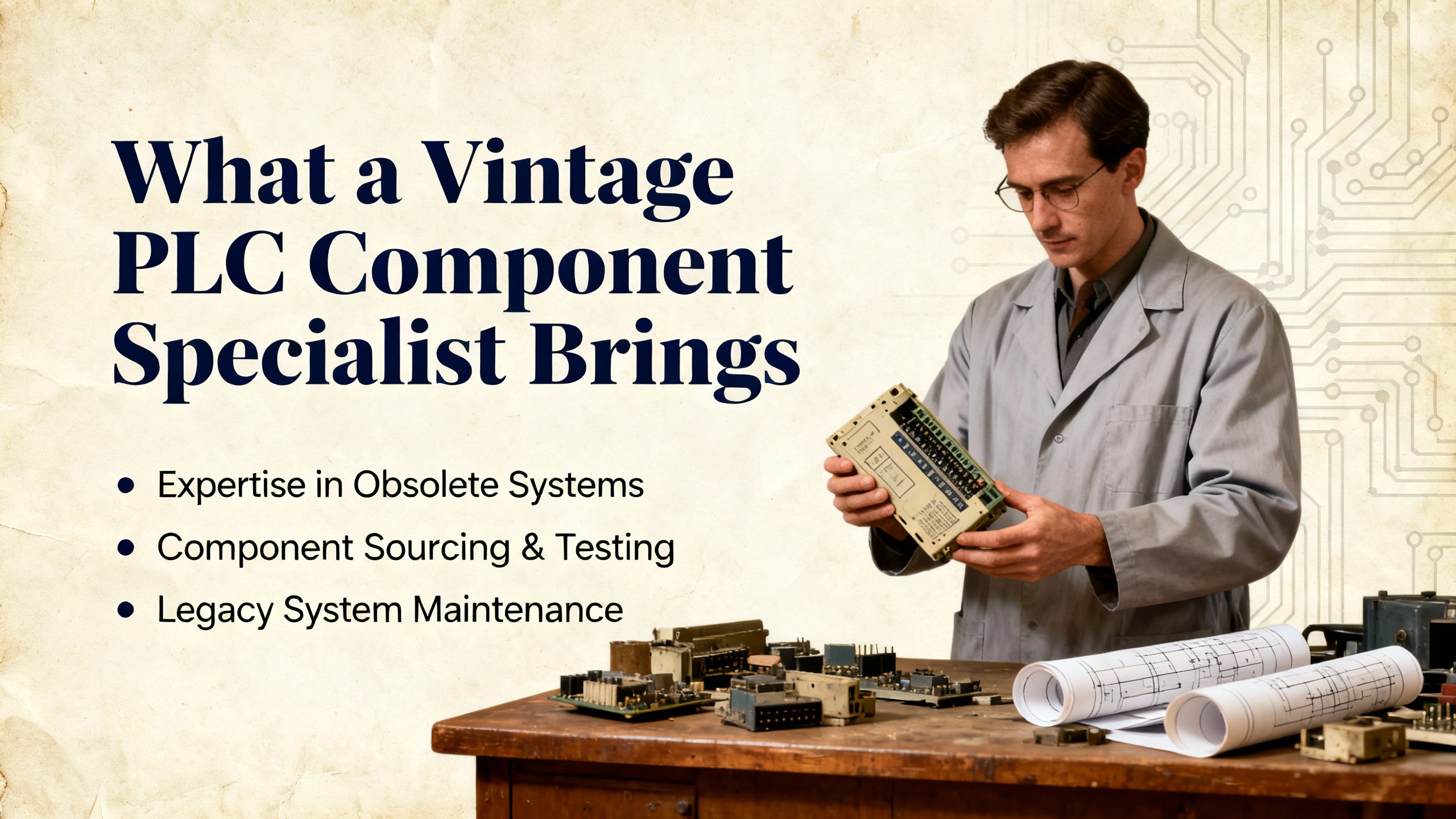
What a Vintage PLC Component Specialist Brings
Supporting S5 systems now requires a blended skill set. First, you need fluency in STEP 5 project structures and block types such as OBs for organization, PBs for program segments, FBs for functions, and DBs for data. Digital Automation Training’s Siemens S5 maintenance curriculum outlines these fundamentals, including LAD, CSF, and STL representations.
Second, you need disciplined maintenance workflows: locating and replacing faulty modules, reloading programs, I/O fault finding, and safe online edits. Third, you need migration literacy, because every repair decision now intersects with a modernization horizon. Siemens’ renewal guidance emphasizes migrating to S7‑1500 or S7‑1200 in TIA Portal, using standardized libraries and modern diagnostics. A specialist stitches these domains together: keep the vintage line running today, but instrument it with backups, spares, and documentation so tomorrow’s cutover is orderly.
Staying on S5 versus Migrating: A Pragmatic View
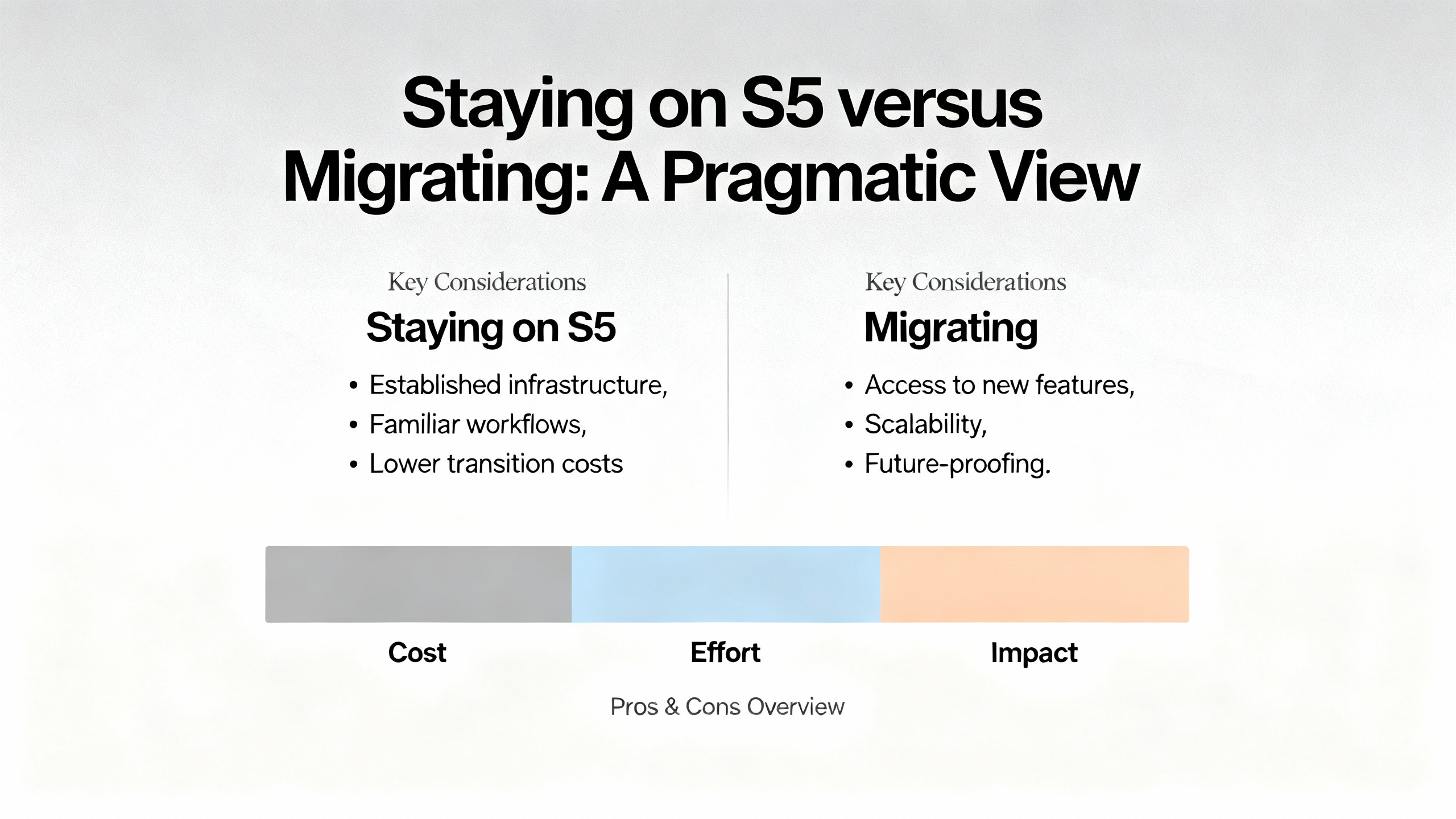
The argument to stay starts with reliability. Many S5 systems were built robustly and tuned by operators who know their quirks. Teams have confidence in the ladder and statement list that got them to today’s OEE. Modernization can be costly in cash and time; plants understandably push legacy gear to extract the most value.
The counterargument is risk. Once a platform is discontinued, spare parts drift to auction dynamics, vendor familiarity declines, and repair cycles lengthen. Industrial Automation Co. frames the decision in risk and cash flow terms: when parts get scarce and mean time between failures starts shrinking, you may trade known reliability for unpredictable downtime. Cybersecurity is also harder on unpatched legacy controllers and networks, an increasingly material factor in North American plants.
There is no one answer for every factory. In my experience, non-critical stations with low throughput impact can safely run longer on S5 if you have tested hot spares on the shelf and the logic is stable. Bottleneck equipment or safety-critical sections deserve proactive migration because their downtime exposure dominates the business case.
A field-proven transition tactic
One of the more thoughtful S5-to-S7 migrations I observed mirrored a case documented by AutomationTop. The team replaced an S5 CPU103 with an S7‑1200 1214C and upgraded an OP7 HMI to a TP700 Comfort. They rebuilt the logic in TIA Portal instead of leaning on auto-conversion, which reduced corrections and improved understanding of the process. To eliminate production risk, they installed double-sided terminal strips and relay-switched power so the S5 and S7 racks could run in parallel. A panel switch enabled instantaneous failover during micro‑stops, allowing cutover and rollback in real time. They also preserved operator look‑and‑feel to reduce training friction and uncovered a latent safety hazard in the legacy logic while re‑engineering. That is the pattern I recommend when schedules are tight and risk tolerance is low.
Working with Discontinued S5 Modules: Inspection, Care, and Buying Tips
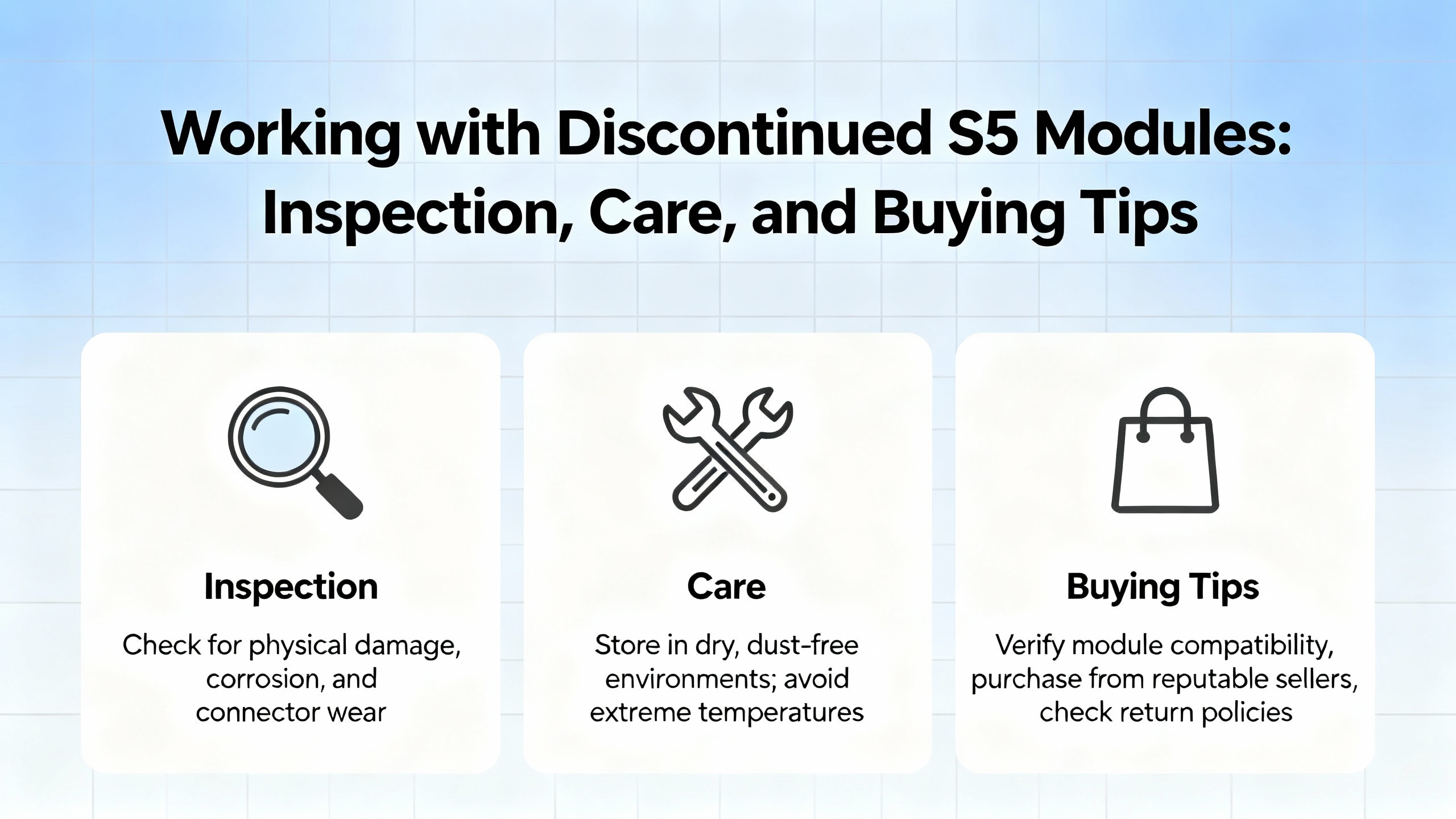
Buying legacy modules today is as much about diligence as it is about procurement. You are purchasing both a component and the vendor’s test process.
For incoming inspection, begin with the obvious and move to the specific. Check for corrosion at edge connectors, discoloration, or heat marks on power components, and loose terminal screws. Confirm catalog numbers and firmwares match your rack’s expectations. Verify that removable terminal blocks and covers are intact, because small mechanical differences complicate field swaps. Always bench‑test modules with a known-good backplane and power supply before putting them into a running system. If you do not have a test bench, work with a specialist who can deliver pass/fail reports, ideally with I/O stim and relay exercise traces.
Storage and handling matter more than most teams think. Keep modules in anti‑static packaging and store them in clean, climate‑controlled areas away from humidity and conductive dust. PDFSupply’s maintenance guidance emphasizes keeping backups off the floor, validating power quality, and watching battery health indicators. Those fundamentals translate directly to extending the usable life of S5 systems: stable 24 VDC supplies, tight terminals, and clean airflow reduce nuisance faults dramatically. If your program uses RAM backed by a battery, replace the battery with the exact type specified and verify that the program survives power cycles.
You should also practice disciplined program management. Maintain current STEP 5 project archives, including comments and cross‑references. Use compare features to baseline known‑good logic. If you still have a Field PG M6 or equivalent, keep it serviced and reserve it for legacy support. Siemens notes that Field PG M6 continues to support S5 for legacy servicing, which I have found invaluable for data extraction before shutdowns.
Typical symptoms and checks by module type
| Legacy item | Common symptoms (field experience) | Checks you can perform | Notes |
|---|---|---|---|
| Power supply | Random CPU resets, flicker, undervoltage faults | Measure DC output and AC ripple; thermal scan under load | Observation based on shop-floor patterns; moderate confidence |
| Digital output card (relay) | Stuck outputs, contact chatter | Load test outputs; inspect relay contacts; watch for heat | Mechanical wear increases with inductive loads |
| Analog input/output | Drift, noise, scaling errors | Inject known voltages; verify scaling and filtering | Recalibrate where supported |
| Backplane connectors | Intermittent I/O faults | Reseat modules; clean contacts; inspect for oxidation | Avoid aggressive abrasives |
| Communications processor | Unstable links | Verify cabling; test with loopback; confirm firmware | Aging serial and fieldbus media can mask root causes |
The table reflects common patterns I have seen on vintage racks; it is inference rather than a Siemens claim and carries moderate confidence. Your environment and load profile will shape the failure distribution.
Sourcing strategies that reduce risk
Start by inventorying your installed base and assigning business criticality to each rack and module. Buy tested spares for the bottleneck set first and label them by the exact firmware or hardware revision needed. Ask suppliers to provide test reports or allow returns after bench verification. Keep at least one known-good CPU and power supply per critical rack, and consider a complete spare rack for high‑risk centers. For communications, retain spare cables, terminators, and protocol converters because accessories often become the downtime constraint.
There are third‑party hardware options for other Siemens lines that claim pin and software compatibility with S7‑200 or S7‑300 modules. Unimat is an example cited by Unimat Automation that targets S7 families with dimensional and toolchain compatibility. Those products do not substitute for S5 modules, but they illustrate how the market addresses legacy risk. If you evaluate third‑party parts around S5 periphery, test thoroughly and confirm engineering tool recognition before deploying to production.
Definitions You Actually Need
A programmable logic controller, or PLC, is an industrial computer that executes a stored program to automate equipment. In S5, programs are commonly represented as Ladder (LAD), Control System Flowchart (CSF), or Statement List (STL). Projects include organization blocks that manage scan and cycle behavior, function blocks that encapsulate logic, and data blocks that hold parameters and states. STEP 5 is the legacy Siemens engineering environment for S5 projects. These fundamentals are documented in training materials from Digital Automation Training.
Migration Without Tearing Out Every Wire
Siemens’ S5-to-S7 renewal guideline is explicit: target S7‑1500 or S7‑1200 in TIA Portal to gain integrated diagnostics, PROFINET networking, safety, and modern cybersecurity. Rather than a big‑bang rewrite, structure the upgrade in stages and lean on I/O adapter strategies where appropriate to reduce rewiring.
There are practical ways to keep downtimes short. First, create an accurate inventory of all STEP 5 blocks, I/O maps, and hardware catalog numbers. Define the functional equivalence in the S7 target and determine where auto‑conversion can seed work versus where manual re‑engineering is cleaner. Factory simulation, from basic signal emulation to digital twin practices, is invaluable for early FAT. During wiring, batch repetitive terminations and use standardized terminal blocks to speed up rework; AutomationTop’s case study shows how a double‑sided terminal strip with a panel switch enabled immediate rollback if a new section underperformed in production.
Communications is often the tail that wags the dog. Legacy serial, AS‑i, and PROFIBUS networks require redesign or gateway strategies. S7‑1500 provides technology modules and PROFINET interfaces that simplify modern topologies, but you should budget time to replace obsolete media, consolidate network layers, and improve time synchronization where relevant to cycle control or traceability. Siemens’ guidance highlights this communications redesign as a core workstream rather than an afterthought.
Validation deserves the same rigor as development. Plan tests for safety functions, interlocks, cycle time, recipe handling, and alarm/diagnostics. Train operators and update documentation, which reduces startup friction more than any single technical tweak. Siemens emphasizes both FAT and SAT with simulation to minimize production risk, a recommendation I have seen pay for itself on every critical line.
Quick comparison: S5 now versus S7 modernized
| Dimension | S5 (legacy) | S7‑1500/S7‑1200 (modern) |
|---|---|---|
| Vendor support | Ended September 30, 2020 | Active lifecycle with long horizon |
| Spares | Used/refurb, variable lead time | New stock and repair ecosystem |
| Engineering | STEP 5, limited diagnostics | TIA Portal, integrated diagnostics and trace |
| Networking | Serial/AS‑i/PROFIBUS common | PROFINET native; modules for fieldbus |
| Safety & cybersecurity | Limited by vintage design | Integrated safety options and modern baselines |
| Downtime risk | Rises as spares disappear | Lower with supportable components |
Both paths can be valid for a time. The table clarifies why modern lines gravitate to S7 platforms, but it also helps you make an eyes‑open decision to stay when justified.
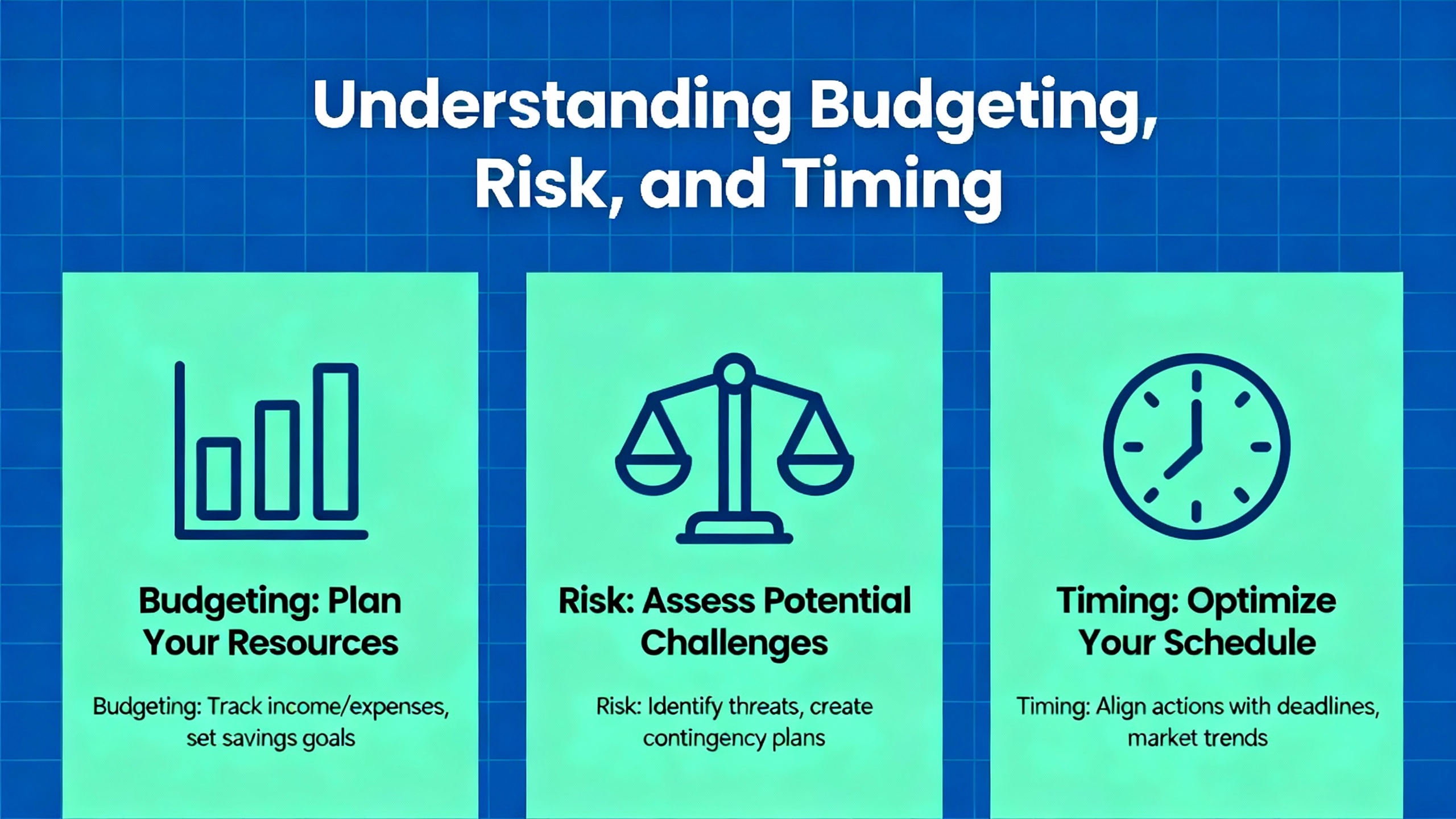
Budgeting, Risk, and Timing
The most expensive legacy PLC is not the one you replace; it is the one that fails without a spare on a peak day. If your line loses about $10,000.00 an hour, a multi‑day hunt for a rare CPU or PS card can cross seven figures before the courier arrives. Industrial Automation Co. points out that plants often stretch S5 systems 10 to 20 years beyond EOL successfully, but they do so with hot spares on hand and a plan. That plan should include clear triggers for replacement, for example two critical failures within a year or a sustained drop in MTBF. Align replacements to scheduled outages to avoid collateral losses.
For plants planning comprehensive upgrades, Pattie Engineering’s overview of Siemens lifecycle phases is useful as a mental model. While it focuses on current families, it shows how P.M400 through P.M500 phases map to spare obligations, engineering software support, and the moment risk starts accelerating. Borrow the idea even for S5: write down your own “phase” gates and act before your spares situation deteriorates.
Case Notes: Beyond Hardware Swap
Modernization projects sometimes replace PLCs, HMIs, and networks without revisiting control strategy. That approach can carry old inefficiencies onto new hardware. Practitioners in the controls community caution that high-availability upgrades need both hardware modernization and process control refinement. Audit interlocks, sequencing, alarm rationalization, and operator workflows as part of the upgrade, then validate improvement criteria such as cycle time, variability, and unplanned downtime. This perspective, widely shared by integrators, matches what I have observed: the best migrations treat logic quality and operator ergonomics as first‑class citizens, not a change‑order afterthought.
Frequently Asked Questions
Q: Are any S5 modules still officially supported by Siemens after 2020? A: Siemens ended spare parts and repairs for S5 on October 1, 2020. As exceptions, certain S5 batteries remain available and the SIMATIC Field PG M6 can support S5 for legacy servicing. These exceptions help with program retention and service, but they do not represent ongoing support for CPUs, I/O, or communications modules. This position is documented by Siemens Industry Online Support.
Q: How long can I safely keep running S5 in production? A: It depends on your environment, criticality, and the reliability of your spare inventory. Plants do operate 10 to 20 years beyond EOL, but yearly risk increases as spares thin out and technician familiarity declines. A sensible rule of thumb, widely cited by Industrial Automation Co., is to run until spare availability becomes unpredictable or MTBF trends downward, and to set hard triggers for replacement before a crisis forces your hand.
Q: Can I migrate without rewiring everything? A: In many cases you can reduce rewiring by using supported I/O adapter strategies and by staging the cutover cell by cell. Siemens’ renewal guideline recommends evaluating adapter options and verifying rack and module support on the S7‑1500 platform. There are also pathways that reuse S5 I/O in conjunction with S7 systems via standardized remote I/O families, which vendors like Aotewell discuss. Always validate compatibility and be wary of corner cases such as specialty modules or tight timing loops.
Q: Does automatic conversion from STEP 5 to TIA Portal work well enough? A: Auto-conversion tools can accelerate initial translation, but expect manual re‑engineering in nontrivial sections. A documented project from AutomationTop rebuilt logic from scratch in TIA Portal and found quality and safety benefits in the process. My experience mirrors that. Auto-conversion is a starting point; thorough code reviews and functional testing are still required to achieve equivalence and operational excellence.
Q: What is the minimum I should do if I must keep S5 for the next two to three years? A: Build a tested spare kit for each critical rack that includes a CPU, power supply, and representative I/O; back up STEP 5 projects with comments; validate power quality and battery health; and stage communications spares and cables. PDFSupply’s maintenance guidance covers the basics of backups, power, and health indicators. Combine that with Siemens’ advice on migration planning so you are not starting from zero when the next failure occurs.
Q: Will a Field PG M6 still help me with S5? A: Yes. Siemens notes that the Field PG M6 can support S5 for legacy servicing. In practice, I use it to pull programs, run online diagnostics where possible, and create a clean archive before decommissioning or staging a migration.
Takeaway
Running S5 in 2025 is less a technical challenge and more a risk management exercise. The hardware has proven its durability; what changed is its supply chain and the support ecosystem. If you decide to run, do it intentionally with tested spares, disciplined backups, and clear triggers that move you from repair to replacement before a crisis. If you decide to migrate, favor S7‑1500 or S7‑1200 in TIA Portal as Siemens recommends, redesign communications with an eye to PROFINET and cybersecurity, and treat operator training, alarm rationalization, and acceptance testing as first‑class scope. As a veteran integrator and project partner, my bias is pragmatic: keep production safe today, and invest just enough engineering now so tomorrow’s cutover is boring. Boring is the highest form of reliability.
References
| Publisher | Reference note |
|---|---|
| Siemens Industry Online Support | End of SIMATIC S5 product life cycle; migration overview; S5→S7 migration guide; legacy servicing notes including Field PG M6 and battery exceptions |
| Siemens | SIMATIC S5 to S7 Renewal Guideline recommending S7‑1500/S7‑1200, TIA Portal, adapter strategies, staged cutover, and validation |
| Industrial Automation Co. | Legacy PLC risk analysis, downtime cost examples, and repair-versus-replace framework |
| AutomationTop | Case study replacing S5 CPU103 with S7‑1200 and TP700 Comfort using staged, reversible cutover and manual re‑engineering |
| Digital Automation Training | Siemens S5 maintenance course covering STEP 5, block types, wiring, troubleshooting, and safe program changes |
| SECO/WARWICK | Migration notice urging S5 replacement and highlighting S7‑1500 benefits in industrial furnaces |
| Siemens News | Historical perspective on SIMATIC S5, STEP 5’s role, and the transition to S7 and TIA |
| Aotewell | Overview of S5 family, architecture, and practical migration pathways including reuse of I/O where feasible |
| PDFSupply | PLC maintenance best practices for backups, power quality, environmental care, and spares management |
| Pattie Engineering | Practical guide to Siemens lifecycle phases for planning upgrades and spare strategies on current platforms |
If you want, I can turn your installed-base data into a prioritized spare list and a phased S5→S7 migration plan aligned to your outage calendar.
- https://www.diva-portal.org/smash/get/diva2:756702/FULLTEXT01.pdf
- https://www.renovis.net/en/simatic-s5-is-out-of-life-renovis-supports-repairs-and-supplies.htm
- https://www.aotewell.com/simatic-s5-plc
- https://library.automationdirect.com/roller-coaster-automationdirect-case-study/
- https://automationtop.com/story-about-changing-siemens-s5-plc-controller-to-siemens-s7/
- https://dat.co.uk/siemens-s5-maintenance/
- https://www.linkedin.com/posts/alex-j-smith07_upgrade-of-obsolete-and-unsupported-controls-activity-7383769788193505282-PpTd
- https://industrialautomationco.com/blogs/news/legacy-plcs-explained-how-long-can-you-keep-running-yours?srsltid=AfmBOooOkqPNPb6l4gE773QZGrP_N-BdfoXv098BV8HGqp8dklOSVrpD
- https://www.pattiengineering.com/blog/siemens-lifecycle-and-upgrade-planning/
- https://www.scribd.com/doc/30909101/Tutorial-on-Simatic-s5-Control-System-Practical-Programming-and-Fault-Finding
Keep your system in play!

Related articles Browse All
-
 amikong NewsSchneider Electric HMIGTO5310: A Powerful Touchscreen Panel for Industrial Automation2025-08-11 16:24:25Overview of the Schneider Electric HMIGTO5310 The Schneider Electric HMIGTO5310 is a high-performance Magelis GTO touchscreen panel designed for industrial automation and infrastructure applications. With a 10.4" TFT LCD display and 640 x 480 VGA resolution, this HMI delivers crisp, clear visu...
 -
 BlogImplementing Vision Systems for Industrial Robots: Enhancing Precision and Automation2025-08-12 11:26:54Industrial robots gain powerful new abilities through vision systems. These systems give robots the sense of sight, so they can understand and react to what is around them. So, robots can perform complex tasks with greater accuracy and flexibility. Automation in manufacturing reaches a new level of ...
 -
 BlogOptimizing PM Schedules Data-Driven Approaches to Preventative Maintenance2025-08-21 18:08:33Moving away from fixed maintenance schedules is a significant operational shift. Companies now use data to guide their maintenance efforts. This change leads to greater efficiency and equipment reliability. The goal is to perform the right task at the right time, based on real information, not just ...


- Q&A
- Policies How to order Part status information Shipping Method Return Policy Warranty Policy Payment Terms Email Marketing Policy VAT and Import Information
- Asset Recovery
- We Buy Your Equipment. Industry Cases Amikong News Technical Resources Why choose us
- Registered Address
-
32D Guomao Building, No.388, Hubin south Road, Siming district, Xiamen,Fujian, China

Leave Your Comment