
-
Please try to be as accurate as possible with your search.
-
We can quote you on 1000s of specialist parts, even if they are not listed on our website.
-
We can't find any results for “”.
Obsolete Allen‑Bradley Parts Supplier: Sourcing Discontinued Components
Keeping legacy Rockwell Automation and Allen‑Bradley systems productive is a reality for most plants I support. The controls do their job, the line has been tuned around them, and the ROI case for a rip‑and‑replace often collapses when you factor validation, training, and production risk. When a legacy SLC rack throws a fault or a PowerFlex drive fails on a holiday weekend, the right obsolete part sourced fast can be the difference between a planned maintenance window and costly downtime. This article distills what works in the field when you need discontinued Allen‑Bradley components without drama: how to identify the exact part, where to buy safely, how to avoid counterfeits, and when to pivot to retrofit or modernization.
As a systems integrator who has lived through midnight changeovers and Monday morning restarts, I’ll focus on pragmatic steps, not platitudes. I’ll reference respected sources along the way, including Rockwell Automation resources, supplier best practices highlighted by TechNation, and real‑world tactics from specialist distributors and program managers. The goal is simple: restore service quickly, contain risk, and keep your options open for phased modernization.
What “Obsolete” Really Means in the Rockwell World
Obsolescence is a lifecycle stage, not a moral judgment on your plant. Rockwell Automation uses clear lifecycle terms to guide planning. Discontinued means manufacturing has ended and migration is recommended. Active Mature signals a product nearing the end of its supported life. Industry terms you will encounter include End‑of‑Life, Not Recommended for New Designs, and Last‑Time Buy. In addition, you will see New Old Stock used in the market to describe unused legacy inventory that was built during the original production run. Kruse electronic components provides helpful definitions for these terms, and Rockwell centralizes lifecycle visibility and replacement guidance in its own tools.
A practical implication of lifecycle status is supportability. Industrial Automation Co. notes that many PLCs see support dwindle around the 10 to 15‑year mark. That does not make them unserviceable; it means parts availability tightens, and you need a sharper sourcing playbook.
Lifecycle Terms and What To Do
| Term | What it means | Action for plant teams |
|---|---|---|
| Active | Currently manufactured, fully supported | Maintain normal spares; monitor for status changes |
| Active Mature | Nearing end of active life | Validate replacements, plan spares top‑ups, draft migration |
| Discontinued/EOL | Manufacturing ended | Source from specialists; confirm firmware; evaluate retrofit/migration |
| LTB (Last‑Time Buy) | Final order window | Aggregate demand, include service and attrition needs |
| NRND | Not for new designs | Avoid new installs; manage installed base carefully |
| NOS (New Old Stock) | Unused legacy inventory | Verify provenance, dates, and test on receipt |
When Sourcing Obsolete Makes Sense—and When It Doesn’t
There are solid reasons to keep legacy Allen‑Bradley hardware running. IDE Electronics summarizes the core benefit well: a like‑for‑like module avoids redesign, preserves validated processes, and shortcuts change control, which is often the fastest path to restore a line. Obsolete parts sourced from reputable suppliers can bring a machine back within a standard maintenance window rather than opening a long migration project. Operationally, direct compatibility reduces the risk of new fault modes and unplanned retuning of adjacent systems.
The trade‑offs are real. Secondary markets can include untested or counterfeit units, return policies may be weak, and long‑term firmware support can taper. TechNation’s reporting underscores that total lifecycle cost matters more than the unit price on a bill; saving a few dollars on a suspect module is not a savings if it extends downtime. The right approach is to weigh urgency, risk, and your roadmap. Use obsolete parts to buy time, and apply that time to a phased migration plan that you control rather than one dictated by a failure.
Sourcing Channels for Discontinued Allen‑Bradley Hardware
| Channel | Advantages | Risks/Considerations | Use when |
|---|---|---|---|
| Authorized distributors | Documentation, traceability | Limited availability on true EOL | Parts still in lifecycle, or factory reman exists |
| Specialist third‑party suppliers | Live stock, testing, warranties, engineering help | Quality varies by firm; verify processes | Fast recovery for EOL modules and drives |
| OEM replacement lookup | Correct migration paths | Requires engineering effort | Planning upgrades; avoiding forced downtime |
| Open marketplaces | Broad listings of surplus | Counterfeits, drop‑shipping, poor packaging | Only with strong vetting and fallback plan |
Identify the Exact Allen‑Bradley Part Before You Shop
Successful sourcing starts at your panel, not in a search bar. Record the full catalog number, the series or revision, and the firmware major/minor where applicable. IDE Electronics emphasizes that a drop‑in fit depends on exact matches across these details. For PLCs and communications modules, firmware compatibility can be non‑negotiable, especially in ControlLogix and CompactLogix families tied to Studio 5000 major versions. For drives and motion, review parameter sets and option boards before you swap, and pull diagnostic logs from the failed unit if possible to help your supplier reproduce and test under load.
Build and maintain an installed‑base register with part numbers, serials, install dates, firmware, and maintenance history. Industrial Automation Co. advises using asset management to triage risk, and that matches field reality: when you already know which I/O cards are single‑sourced and which HMIs are past Active Mature, you can pre‑stock selectively and shave hours off a failure response. Rockwell’s Product Lifecycle Status and Product Replacement Lookup tools help confirm status and identify successors, and the Product Compatibility and Download resources help you verify firmware availability and cross‑version interactions.
A Dependable Sourcing Strategy for Discontinued Allen‑Bradley Parts
A resilient approach blends authoritative data, pre‑qualified partners, and disciplined verification. Start with Rockwell’s lifecycle tools to verify status and map recommended replacements. That tells you whether you should chase a direct replacement or plan a retrofit. Use that insight to set expectations in maintenance and procurement: if a Kinetix amplifier or SLC processor is fully discontinued, you will be calling specialists rather than ordering factory‑fresh hardware.
Choosing suppliers is the next lever. TechNation’s interviews describe a market where competition is high but quality is uneven, with some firms harvesting parts without robust testing. Work with specialist suppliers that publish testing protocols, provide serial‑number traceability, and back parts with substantive warranties. Industrial Automation Co. highlights multi‑point functional testing and a 24‑month warranty on many brands; that level of transparency reduces DOA risk and counterfeit exposure. Look for ISO 9001 quality systems and an understanding of UL implications on control equipment. The best partners also help with cross‑references and retrofits, not just shipping boxes.
Marketplaces can be useful when you know exactly what you are buying and from whom. NJT Automation notes that eBay remains the largest pool of surplus and obsolete automation parts, while also warning that many online “inventory” claims are just drop‑shipping from marketplace listings. Practical filters matter. The Local Pickup option can expose sellers who truly hold stock domestically. Heuristics such as “original packaging,” “surplus,” or “Original Manufacturer’s warranty does not apply” can be signals that you need deeper verification. If you use a marketplace, secure a return policy in writing, insist on powered test videos or reports, and have a backup source queued.
Forecasting and spares planning round out the strategy. Enicstra emphasizes building demand forecasts and ordering early around seasonal peaks, and that logic applies to automation spares. Maintain a slim buffer of high‑risk obsolete items while using just‑in‑time practices for non‑critical ones, a balance Industrial Automation Co. also recommends. Alerts from suppliers, stock watchlists, and documented alternate suppliers help you move fast when inventory turns quickly.
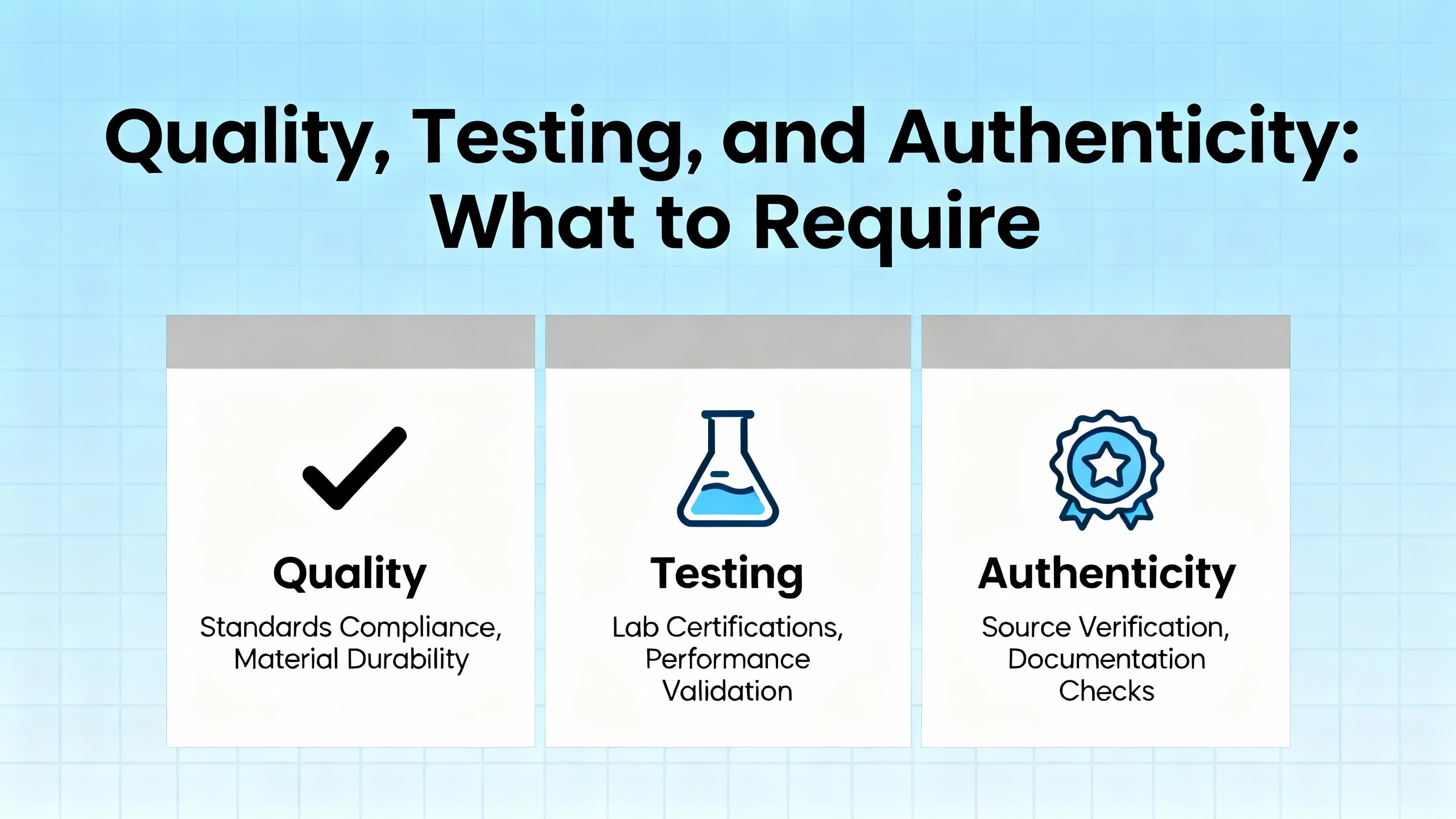
Quality, Testing, and Authenticity: What to Require
Avoiding counterfeits and early failures is not luck; it is process. Request test reports that mirror how the part will operate in your system. For PLCs, that can include power‑up, comms over the relevant backplane and networks, and basic I/O scans. For drives, look for load tests rather than idle power‑up videos. For HMIs, require verification of touch response and backlight uniformity. Industrial Automation Co. suggests asking for specifics of the testing process and whether it is performed in‑house.
Documentation matters. Ask for Certificates of Conformance when available and any traceable history of refurbishment or repair. Kruse’s guidance for electronic components generalizes well here: traceability by lot and date codes, visual inspection, X‑ray where applicable on complex boards, and functional electrical tests form a credible screen. While AS6081 or AS6171 are electronics testing standards, the spirit applies in automation: trust, but verify.
Receiving inspection should be standard. TechNation’s advice to visually inspect and test upon receipt before acceptance is practical. Unbox carefully, check for bent pins, cracked housings, and signs of corrosion. Power up in a test bench or on a non‑critical machine if possible. Keep photos and notes. If a warranty is offered, know the claim window and the required evidence before you accept delivery.
Managing Counterfeit and Gray‑Market Risks
Counterfeits appear in the automation world for the same reason they appear in semiconductors: scarcity and urgency attract bad actors. EETimes describes how open markets operate on scarcity‑driven price swings and how authorized channels provide warranties and traceability that independents cannot. That does not mean you should never use independent sources; it means you should elevate your due diligence. Favor suppliers who can show traceable origin from tier‑one OEMs or from reputable industrial users decommissioning equipment, a practice cited by independent redistributors.
A practical rule is to start with authorized or factory‑supported channels when the lifecycle allows it, then move to vetted specialists with documented quality systems when it does not. If you must use an open marketplace, treat it as a last resort with tight controls: obtain clear photos of labels and internals, confirm serials and catalog numbers, and reconcile firmware versions before the item ships. Document everything so you can act quickly if what arrives is not what was promised.
Channel Comparison and Risk Posture
| Channel | Authenticity confidence | Speed | Price stability | Typical warranty |
|---|---|---|---|---|
| Authorized/Factory | High | Moderate | Stable | OEM terms |
| Specialist EOL supplier | High if vetted | High | Market‑driven | Months to 2 years |
| Independent broker | Variable | High | Volatile | Case‑by‑case |
| Open marketplace | Low without vetting | High if local | Highly volatile | Uncertain |
Modernization and the Circular Economy: Keep Options Open
Obsolete does not mean unavailable, and it also does not lock you into a static future. Philips AllParts has written about the shift to a circular economy in service parts, where components stay in circulation longer and value is extracted over a longer horizon. That mindset is compatible with a structured modernization program. Rockwell’s partner case studies in The Journal show how standardizing architectures, providing remote training ahead of site work, and reusing design packages can compress timelines and reduce downtime during modernization.
In practice, I use obsolete parts strategically. When a PowerFlex 70 fails and the plant cannot tolerate the learning curve or panel work for an immediate retrofit, a properly tested like‑for‑like unit gets the line back. Then I plan the move to a PowerFlex 525 once production commitments ease, using a fixture or a weekend window to validate wiring, parameters, and mechanical changes. The same logic applies to swapping a SLC 5/04 processor like‑for‑like to keep a validated process running, while quietly staging a CompactLogix migration with I/O mapping and operator HMI updates rehearsed ahead of cutover.

Buying Tips From the Field
Precise identification is non‑negotiable. Verify the full catalog number, series, and firmware revision before you shop. Confirm module keying, backplane compatibility, and networking requirements such as DH+, ControlNet, Ethernet/IP, or serial protocols. If you are replacing an HMI, check the bezel, cutout, comms options, and software runtime versions to avoid surprises.
Vetting sellers is not a paperwork exercise; it is uptime insurance. NJT Automation cautions that many sites scrape listings and then buy from marketplace sellers, while presenting themselves as stocked suppliers. Ask how many units are physically in stock, where they are located, and whether they can provide powered test videos of the exact serials. Use marketplace filters like Local Pickup to identify genuine domestic holdings, and treat phrases such as “Original Manufacturer’s warranty does not apply” as a trigger to ask for an equivalent warranty from the seller.
Packaging and shipping can make or break your success. Insist on ESD bags, desiccant where appropriate, and foam bracing. For CPUs and HMIs, request that coin cells or lithium batteries be removed or documented prior to air freight to avoid carrier issues, advice echoed by Amplio for surplus logistics. When parts arrive, control the receiving process: unbox in a clean area, document condition, and run basic power‑up or loopback tests before the component is booked into inventory or installed.
Proactive communication pays. TechNation notes that price and warranty terms can improve when suppliers know you have options. Avoid sole‑source locking on EOL parts and conduct periodic market checks. When the market is tight, being a repeatable, organized buyer who provides accurate part numbers, firmware details, and photos will often move your request to the front of the queue.
Care, Storage, and Handling of Legacy Parts
Legacy electronics age on the shelf as well as in service. Store spares in ESD‑safe packaging in a clean, dry environment and rotate stock so older units are tested first. For modules with electrolytic capacitors and displays with backlights, consider periodic power‑up and functional checks to avoid surprise failures. Label each spare with catalog number, series, firmware, date received, seller, and any test results. When you decommission a working part, run a simple acceptance test and add it to controlled surplus; parts with a known history can be valuable to your own plant or to others through buyback programs that support a circular economy.
Price, Warranty, and Negotiation
Market conditions for obsolete parts are fluid. TechNation highlights that competition between OEM multi‑vendor programs and third‑party suppliers can lead to better discounts and extended warranties when you do not lock yourself to a sole source. Ask for written test procedures and warranty coverage in months, not just “DOA only.” A 24‑month warranty like the one cited by Industrial Automation Co. for many brands signals a supplier confident in its testing. Compare landed costs, not just unit price: include shipping method, lead time risk, return policy, and your potential downtime exposure in dollars per hour. Amplio’s observation that Rockwell holds a leading market share underscores why Allen‑Bradley parts retain value; use that knowledge to benchmark quotes and set realistic expectations.
Takeaway
Sourcing discontinued Allen‑Bradley components is a discipline that blends precision, partnerships, and preparation. Start with exact identification and authoritative lifecycle data. Work with specialist suppliers who can prove testing and stand behind their parts. Use marketplaces selectively and only with strong verification. Keep a slim, smart buffer of genuinely critical spares and use obsolete parts as a bridge to a modernization plan that you control. With that playbook, an obsolete module is not a liability; it is one more way to keep your plant productive while you shape the next generation of your controls.
FAQ
How do I tell if my Allen‑Bradley part is truly obsolete?
Check Rockwell Automation’s lifecycle resources by catalog number and series to see whether the unit is Active, Active Mature, or Discontinued. Confirm firmware availability and migration notes in the compatibility resources. Lifecycle is catalog‑number specific, so two revisions in the same family can have different statuses.
What should I require from a supplier of obsolete parts?
Ask for multi‑point functional testing aligned to how you will use the part, serial‑number traceability, and a written warranty in months. Request powered test videos or reports. Reputable specialists often operate under ISO 9001 and understand UL implications in control panels.
Is it safe to buy discontinued Allen‑Bradley hardware from open marketplaces?
It can be done but requires more diligence. Verify the seller actually holds stock, use filters to find local pickup options, and confirm return terms in writing. Watch for red‑flag phrases and insist on photos of labels and internals. Have a backup plan if the part does not pass your receiving inspection.
When should I stop sourcing obsolete parts and plan a retrofit?
If the failure rate is rising, firmware compatibility is constraining fixes, or specialty modules have vanished from stock, it is time to evaluate a retrofit or migration. Use lifecycle tools to identify successors and pilot the change on a low‑risk machine. In many plants, a like‑for‑like swap buys time to stage a clean modernization.
How many obsolete spares should I keep on hand?
Keep a small buffer of high‑risk, high‑impact items and avoid over‑stocking broadly. Rank parts by downtime impact and availability risk using your installed‑base register. Maintain just‑in‑time practices for non‑critical components and rely on supplier alerts and watchlists to move quickly when inventory appears.
How do I minimize counterfeit risk with discontinued components?
Favor authorized or factory channels where possible. When you need EOL units, use vetted specialists with documented testing and traceability. On any purchase, run a defined incoming inspection and keep records. EETimes emphasizes that open markets lack OEM warranties; that is your signal to compensate with stronger verification on your side.
References
TechNation
Rockwell Automation
Industrial Automation Co.
IDE Electronics
NJT Automation
Kruse electronic components
EETimes
All Things Supply Chain
Amplio
Philips AllParts Medical
The Journal from Rockwell Automation and PartnerNetwork
- https://www.plctalk.net/forums/threads/list-of-obsolete-plcs-from-allen-bradley.112874/
- https://www.plchardware.com/default.aspx?man=rockwell+automation&srsltid=AfmBOoohGDILIKoiGbtzleWDaydNNG6IfpiTHqeTjR3LNjimW0Ea-guS
- https://1technation.com/tips-acquiring-parts-strategies-help-bottom-line/
- https://www.allthingssupplychain.com/a-guide-to-sourcing-hard-to-find-components/
- https://www.amplio.com/post/sell-allen-bradley
- https://www.eetimes.com/finding-securing-hard-to-find-parts/
- https://enicstra.com/sourcing-hard-to-find-industrial-parts/
- https://kruse.de/how-to-source-discontinued-and-hard-to-find-components/
- https://www.linkedin.com/posts/component-sense_hardtofindcomponents-componentsense-electronicsupplychain-activity-7330502669620441088-AWHU
- https://www.sourcengine.com/blog/3-ways-source-hard-to-find-electronic-components?srsltid=AfmBOop3ZBtRK2saaxMLD-v2lmXc-xDNSL4W4dvvM1q3qjyQTUamQ7Kb
Keep your system in play!


Related articles Browse All
-
 amikong NewsSchneider Electric HMIGTO5310: A Powerful Touchscreen Panel for Industrial Automation2025-08-11 16:24:25Overview of the Schneider Electric HMIGTO5310 The Schneider Electric HMIGTO5310 is a high-performance Magelis GTO touchscreen panel designed for industrial automation and infrastructure applications. With a 10.4" TFT LCD display and 640 x 480 VGA resolution, this HMI delivers crisp, clear visu...
 -
 BlogImplementing Vision Systems for Industrial Robots: Enhancing Precision and Automation2025-08-12 11:26:54Industrial robots gain powerful new abilities through vision systems. These systems give robots the sense of sight, so they can understand and react to what is around them. So, robots can perform complex tasks with greater accuracy and flexibility. Automation in manufacturing reaches a new level of ...
 -
 BlogOptimizing PM Schedules Data-Driven Approaches to Preventative Maintenance2025-08-21 18:08:33Moving away from fixed maintenance schedules is a significant operational shift. Companies now use data to guide their maintenance efforts. This change leads to greater efficiency and equipment reliability. The goal is to perform the right task at the right time, based on real information, not just ...


- Q&A
- Policies How to order Part status information Shipping Method Return Policy Warranty Policy Payment Terms Email Marketing Policy VAT and Import Information
- Asset Recovery
- We Buy Your Equipment. Industry Cases Amikong News Technical Resources Why choose us
- Registered Address
-
32D Guomao Building, No.388, Hubin south Road, Siming district, Xiamen,Fujian, China

Leave Your Comment