
-
Please try to be as accurate as possible with your search.
-
We can quote you on 1000s of specialist parts, even if they are not listed on our website.
-
We can't find any results for “”.
Siemens 6AV2 124-0MC01 TP1200 HMI Manual: User Guide and Programming Documentation


The Manual Behind A Reliable TP1200 Installation
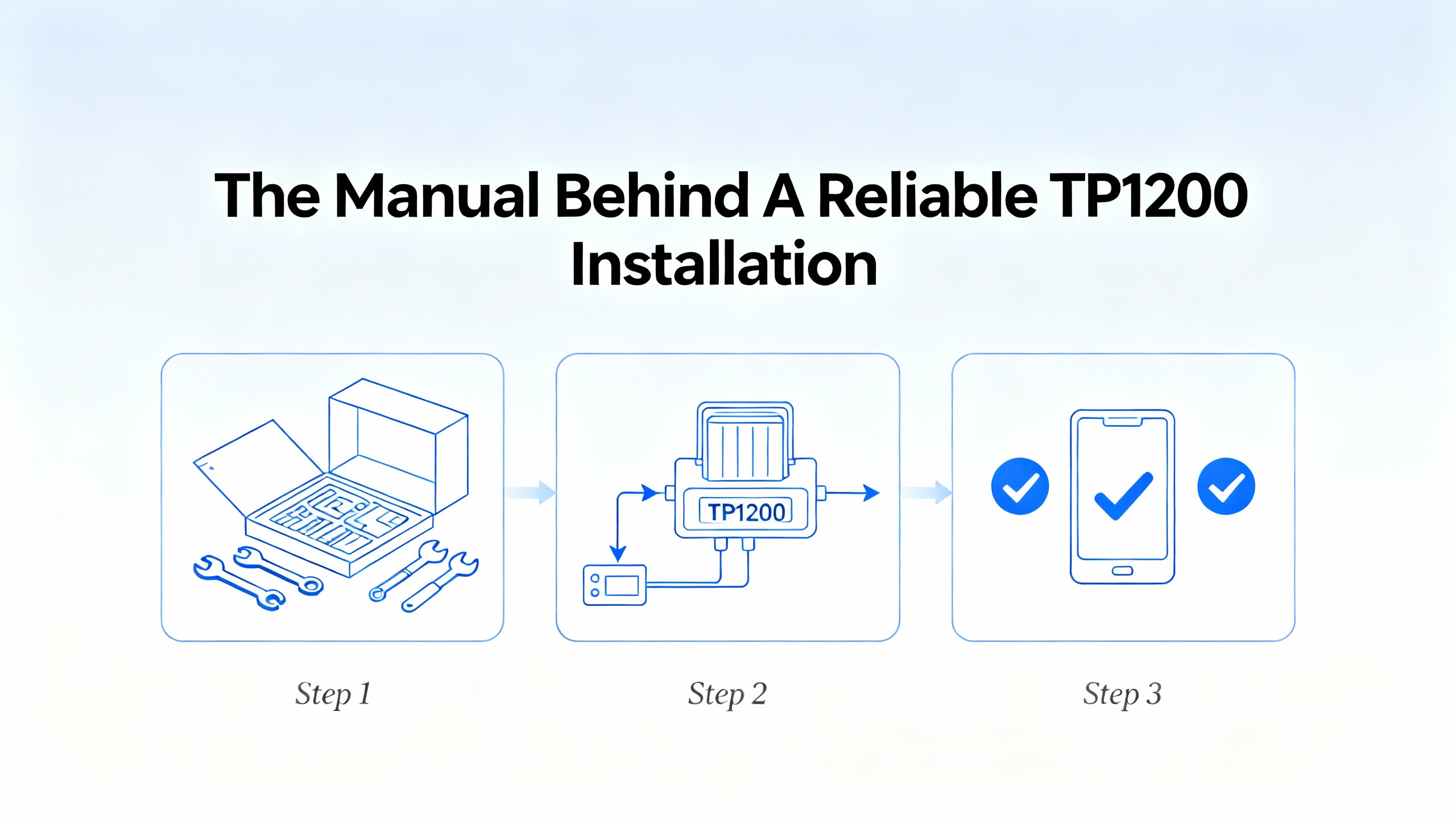
When someone asks me to “just hook up the TP1200,” I reach for the SIMATIC HMI Comfort Panels operating instructions long before I open TIA Portal. The Siemens TP1200 Comfort, identified in the Siemens world by ordering numbers such as 6AV2 124-0MC01-0AX0, sits inside a dense documentation stack. The core operating instructions for Comfort Panels run to about 250 pages and cover everything from unpacking and mounting through commissioning, runtime operation, maintenance, and detailed technical data for TP, KP, and KTP models.
On real projects, that manual is not light reading. It is, however, the closest thing you get to a contract between Siemens and your plant: it defines intended use, safety responsibilities, environmental limits, interfaces, and how the TP1200 is supposed to behave under normal and abnormal conditions. Siemens’ operating instructions, the Comfort Panel hardware documentation, and the WinCC programming guides together form the reference set you will use repeatedly, whether you are designing a new machine or cleaning up a brownfield line.
This article walks through what the TP1200 / Comfort Panels operating instructions actually contain, how they tie into WinCC and S7-1200/S7-1500 programming, and how to use them pragmatically. The perspective is that of a systems integrator who has had to live with these panels after startup, not just get them to a factory acceptance test.
Where The TP1200 Fits In The SIMATIC Comfort Family
The Comfort Panels operating instructions do not treat the TP1200 in isolation. They describe the whole Comfort family: keyboard panels (KP series), touch panels (TP series), combined key-and-touch devices (KTP series), and a spread of sizes and layouts, from compact operator stations through large process HMIs. The TP1200 Comfort is one member of this family and shares its core behavior, interfaces, and configuration model with panels like KP400, TP700, TP900, TP1500, TP1900, and TP2200.
The manual explains how these devices fit into an automation system. Comfort Panels are SIMATIC HMI operator devices that visualize machine and process states, provide operator input, and host WinCC Runtime projects. They connect to controllers such as S7-1200 and S7-1500, typically over PROFINET or PROFIBUS, and can expose additional interfaces such as USB, audio, and sometimes printers. The TP1200 is engineered in the same way as its siblings: you build a WinCC project in TIA Portal, configure communication, download to the panel, and then operate the plant through screens, keys, and alarms defined in that project.
Understanding that family concept is important. The manual is intentionally generic across models. Dimension drawings, port layouts, and some environmental limits differ from model to model, but the commissioning, networking, security, and WinCC behavior are largely common. Once you know where TP1200-specific drawings and technical data live in the document, you can lean on the generic chapters for everything else.
What The Official TP1200 / Comfort Panels Manual Actually Covers
Overview, Scope Of Delivery, And Device Role
The early chapters of the Comfort Panels operating instructions introduce the product line and the role of an HMI device in the operating process. Siemens spells out what belongs in the shipping carton, how to verify the scope of delivery, and how to identify your exact device variant by its ordering number. This is where you confirm you really have the TP1200 variant you designed into your system and not a different panel out of the same family.
The overview also sketches how the panel sits in the control architecture. It explains that the HMI is not a safety device, that it relies on controllers for actual logic, and that it is intended for operating and monitoring machines or processes within the environmental and technical limits given in the manual and related hardware documentation. That “intended use” language matters: it is your boundary when clients later propose shortcuts or unsupported modifications.
Safety And Security Management
The operating instructions devote significant space to safety and security. They define the standard warning symbols and hazard classifications used throughout the document, so that the same icon means the same risk on every page. General safety instructions for mounting, wiring, and operation are laid out; only qualified personnel are supposed to work on installation and configuration, and national standards and regulations must be observed alongside Siemens’ notes.
Safety in a modern TP1200 installation is not only physical. The manual also describes “security management for HMI devices,” including password-protected security modes and the secure use of networked functions such as the built-in web server, Sm@rt Server remote control, and Telnet. This is consistent with broader human-machine interface guidance from regulators such as the Federal Railroad Administration, whose Appendix E human-factors guidance stresses clear indication of system states, guarded overrides, and defense against inadvertent actions on safety-critical displays. Similarly, human factors references from NIST and aviation maintenance emphasize that user interfaces must be designed with real people and real environments in mind, not only technical capability.
From a practical standpoint, this part of the manual is where you learn how Siemens expects you to structure user logon, password policies, and access to engineering functions on the TP1200. It is also where you find the caveats: do not rely on the HMI as the only protective mechanism, and do not expose web and remote functions indiscriminately on a plantwide network.
Mounting, Wiring, And Environmental Requirements
The mechanical and electrical chapters are where projects either become robust or become maintenance headaches. The Comfort Panels operating instructions detail the mounting cutout, required clearances, and cabinet considerations. They reference the environmental and climatic conditions the panel must operate in, including permitted temperature, humidity, and pollution levels, and they point to a separate hardware manual for deeper mechanical data. For Comfort Panels, Siemens documentation commonly specifies ambient temperature ranges in the neighborhood of roughly 32°F up into about 130°F, but you must check the technical data for the exact numbers for your TP1200 variant.
The manual walks through preparing the mounting cutout, placing and fastening the panel, and properly sealing the front for the stated degree of protection. It then covers connecting the equipotential bonding conductor, hooking up the 24 V DC supply, and wiring field interfaces such as PROFIBUS, PROFINET, USB peripherals, printers, and audio devices. Pin assignments and connector designations for ports like PROFINET, PROFIBUS, USB Type A and Mini‑B, and the audio output are documented in a dedicated section, so there is no excuse for guessing at wiring.
From experience, this is the section I keep open when I am standing in front of a cabinet with a panel already cut in. It tells you how much space to leave for cable bend radii, how to secure cables to avoid strain on the device, and what to inspect before applying power the first time.
Commissioning The Device Itself
Once the TP1200 is mounted and wired, the manual switches focus to commissioning the device itself. It explains firmware and software handling, the memory concept, and how to change memory cards. It also introduces the front operator controls and system keys, which are used for diagnostics, brightness control, and system dialogues outside the WinCC project.
A substantial part of the commissioning chapter is dedicated to the internal Control Panel. Here you find step-by-step explanations of how to adjust display brightness and orientation, calibrate the touch screen, configure the on-screen keyboard, change regional and language settings, set date and time, define password protection and screen saver behavior, and integrate an uninterruptible power supply so the panel can shut down gracefully during power issues.
These settings are not just cosmetics. In a noisy production hall with operators wearing gloves, touch calibration, keyboard repeat, and screen orientation determine whether the HMI is usable. Human-factor guidance from agencies such as the Federal Railroad Administration and FAA’s human factors handbooks is reflected in Siemens’ emphasis on font legibility under vibration, touch target size, and clear feedback when actions are performed.
Commissioning A Project With WinCC
The next layer is project commissioning. The operating instructions explain how the TP1200 works with WinCC projects created in TIA Portal. The manual describes operating modes including transfer mode, use of existing projects, data transfer options, and the sequence for loading projects via Ethernet or external storage media.
Siemens’ documentation aligns here with best practices from independent guidance on integrating HMIs with S7‑1200. A sensible workflow is to create a unified TIA Portal project containing both the PLC and the TP1200 HMI, assign IP addresses on the same subnet, connect their PROFINET interfaces in the “Devices & Networks” view, and use the HMI tag tables to bind HMI tags to PLC tags. The third-party best-practices notes emphasize careful tag planning, grouping variables logically, and matching data types strictly between PLC and HMI; the operating instructions assume that you come into the HMI with those basics in place and concentrate on how the TP1200 behaves during transfer and runtime.
The same chapter covers project testing and troubleshooting, plus backup and restore strategies. You get procedures for saving registry information, temporary data, and project backups to external storage, then restoring them if the panel needs to be replaced. There are also instructions for updating the panel’s operating system and for installing and managing add-ons and license keys.
Operating, Maintenance, And Technical Data
For operators, the manual explains how to work with function keys, direct keys, the screen keyboard, and multi-language projects. It covers how to enter and edit numerical and alphanumeric values in I/O fields, how to bring up infotext linked to objects, and how to exit projects safely.
Maintenance and care are treated as first-class topics. Siemens provides cleaning recommendations for the touch screen and any keyboard overlays, including the use of a screen-clean function that temporarily disables input while you wipe the surface. The manual also gives guidance on spare parts and repair processes, and on environmentally responsible recycling and disposal at end of life, as well as long-term storage and transport conditions.
The final technical chapters compile electrical characteristics, electromagnetic compatibility requirements, insulation test information, protection class and degree of protection, climatic and mechanical ambient data, plus dimension drawings and labeling strip dimensions for each Comfort Panel variant, including the TP1200. There is also a section summarizing “scope of functions with WinCC” that documents capabilities such as supported controllers and drivers, alarm handling, tag limits, screen and graphic capacities, recipe management, data logging, and user management.
Troubleshooting, system event listings, and references to Siemens support and service round out the manual, backed by glossaries of abbreviations and technical terms.
Programming The TP1200: Practical Workflow In TIA Portal
The operating instructions assume you engineer the TP1200 with TIA Portal and WinCC Comfort or WinCC Advanced. To turn the manual into a practical workflow, you need to combine it with good practices for integrating HMIs and controllers such as the S7‑1200.
Design The PLC–HMI Architecture First
Guidance from integration articles focused on S7‑1200 is clear: select only HMIs explicitly compatible with your controller firmware, and favor native SIMATIC panels like the TP1200 when you want tight integration. Communication is typically over PROFINET; Modbus TCP is an option mainly when you need to integrate third‑party HMIs or non‑Siemens gear.
Architecturally, that means planning the IP address scheme, deciding which network segments HMIs will live on, and defining how many panels will talk to each controller and at what data rates. The TP1200 supports multiple protocols and interfaces as documented in the operating instructions and technical data. Deciding early whether you will use only PROFINET or also retain PROFIBUS, and whether the TP1200 will host services like the web server or Sm@rt Server, has direct implications on the device configuration you will later perform as you follow Siemens’ commissioning chapters.
Plan And Structure Your Tags
One of the most useful pieces of independent advice about S7‑1200 to HMI integration is to treat tag planning as its own design activity, not an afterthought. Before you even create HMI tags in TIA Portal, list the signals you actually want on the TP1200: process values, motor and valve states, setpoints, mode selectors, alarms, trend variables, and diagnostic bits.
Group these tags logically, for example by machine area or function, and adopt clear naming conventions so that when you are reading through the manual’s sections on alarm logging and data logging, you can immediately see which parts of your design they relate to. The integration notes recommend defining update rates intentionally, with faster rates for safety-related or operator-critical data and slower rates for non-critical diagnostics. That ties directly into the network performance considerations that the Comfort Panels manual touches on when it explains communication capabilities and performance limits.
Matching data types between PLC and HMI is another recurring theme in Siemens documentation and third‑party best practices. If a PLC value is a Boolean, the HMI tag must be Boolean; if it is an integer or real, the HMI tag must be defined accordingly. The Comfort Panels operating instructions rely on this assumption; they describe behavior such as limit monitoring, tag-based alarms, and data logging under the condition that your tag definitions are correct.
Set Up Communication And Download
With the logical plan in place, you then follow the Siemens sequences for configuring communication and transferring the project. The manuals and integration guides converge on a simple pattern. In TIA Portal, create a project, add your S7‑1200 controller and TP1200 HMI from the hardware catalog, assign IP addresses on the same subnet, and link their PROFINET interfaces in the network view. In the HMI configuration, point HMI tags at PLC tags, ideally by symbolic addressing rather than absolute addresses, so later PLC changes do not break the HMI.
The TP1200 operating instructions cover how to switch the panel into transfer mode, how to configure transfer settings in the Control Panel, and how to use different data transmission options such as Ethernet and external memory cards. They also explain how to verify a successful connection and what system events are logged when communication fails.
Independent best-practices material adds that you should validate communication with simple tests: ping the HMI from your engineering PC, monitor tags online in TIA Portal, and use diagnostic buffers in the S7‑1200 to detect any communication or access errors. These practices are consistent with the troubleshooting chapters in the Siemens manual, which encourage the use of diagnostics and event logs rather than trial-and-error.
Screens, Navigation, Recipes, And Logs
From a programming perspective, the “scope of functions with WinCC” section of the Comfort Panels operating instructions is your master checklist. It tells you what the TP1200 runtime can do in terms of screen counts, objects and tags per screen, number of alarms, logging capabilities, recipes, and user management.
External best-practice guidance emphasizes simple, uncluttered screens grouped by process, consistent color coding for states such as running, fault, and warning, confirmation prompts on manual control buttons, and trend graphs for critical analog values. These recommendations align with broader human-factor standards summarized in government HMI design guidance, which highlight avoiding information overload, making safety-critical information visually prominent, and designing alarms and interactions that are intuitive under stress.
The Comfort Panels manual describes how to configure and operate recipes for parameter sets, how to use data logging for process values and alarms, and how to set up user and group permissions. Together with Siemens’ dedicated alarm logging and WinCC alarm systems guides, you get a complete picture of what the TP1200 can handle in a typical machine or process application.
Alarm Handling And History On The TP1200
Alarm design on the TP1200 is an area where integrators often misunderstand how the runtime behaves. Community experience with TP1200 Comfort Panels confirms what Siemens’ WinCC alarm model defines: each change of alarm state is a separate event. Incoming, outgoing, and acknowledge actions each generate a new record in the alarm history. As a result, a single physical condition may appear as several lines in the history view.
On the HMI, you typically use WinCC objects such as Alarm View or Alarm Display for current alarms, and an Alarm Log or Alarm Overview table for history. The TP1200 stores alarm history in an internal buffer, and practitioner reports suggest capacities on the order of about one thousand entries, with the exact number depending on panel model and available memory. This is not documented as a hard specification in the operating instructions, so you should treat it as a practical limit rather than a guaranteed figure and size your design accordingly.
A realistic approach is to design a dedicated alarms page that separates current alarms from historical data. Filter strings, categories, and alarm properties in WinCC are your tools for ensuring operators see exactly what they need. Community guidance repeatedly points out that misconfigured filters are a common reason for “missing” alarms on the TP1200; this is not a panel fault but a configuration issue. By combining the Siemens documentation with tested practices such as clear alarm texts, meaningful categories, and careful buffer sizing, you can create an alarm system on the TP1200 that is both compliant with WinCC capabilities and usable for operators in real time.
Networking, Cybersecurity, And Remote Access
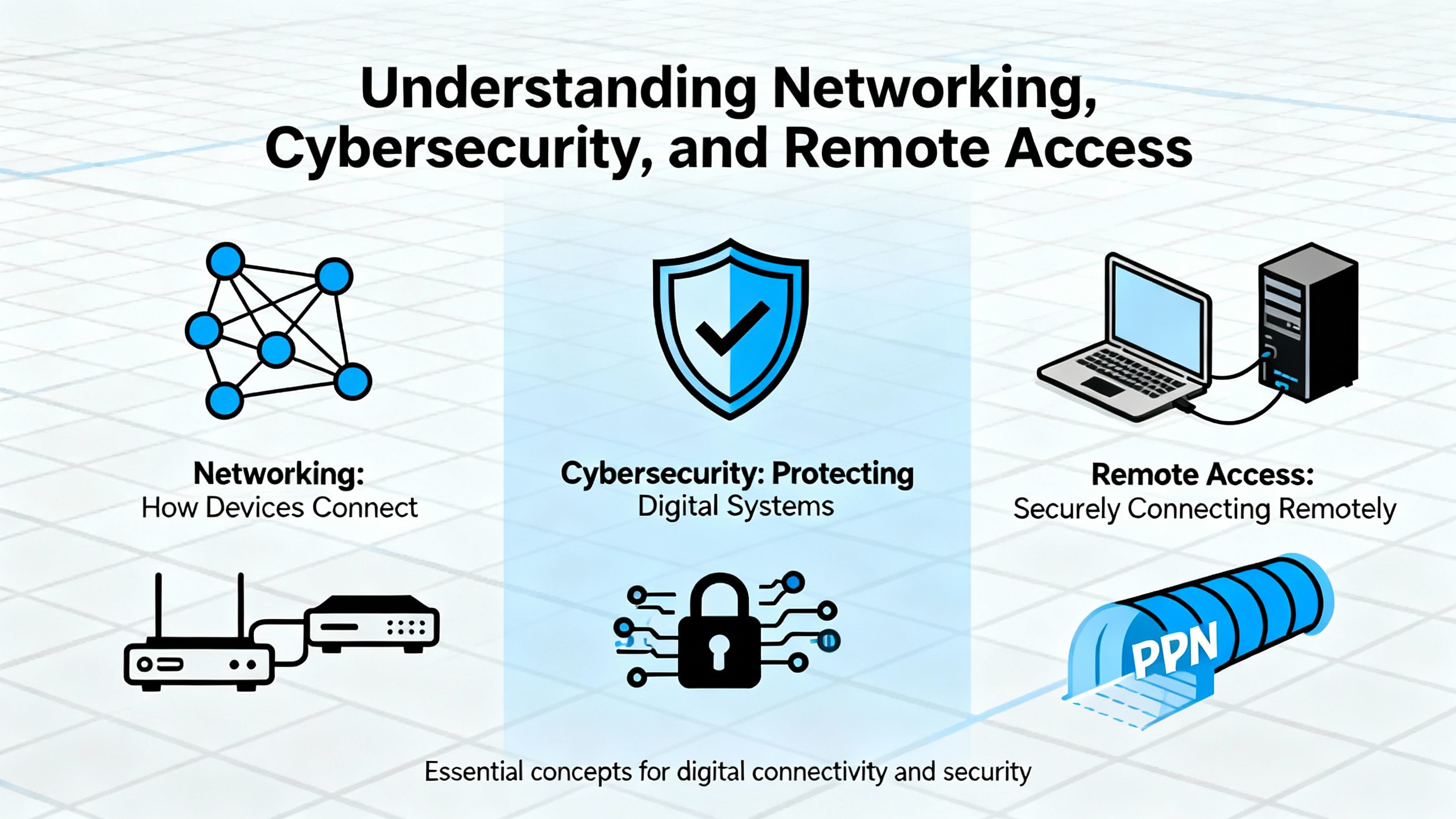
The Comfort Panels operating instructions treat networking as a first-class topic. They walk through specifying the computer name of the HMI, entering IP addresses and DNS settings, configuring MPI or PROFIBUS DP where used, and enabling services such as PROFINET, NTP time synchronization, e‑mail, and web access. The manual also details internet-related settings such as proxies, internet security options, activation of encryption protocols, and the management of certificates.
Third‑party guidance on integrating HMIs with S7‑1200 expands this into a security-minded workflow. You are advised to keep PLCs and HMIs on clearly defined subnets, to avoid exposing them directly to broader corporate networks, and to use firewalls and VPNs when remote access is necessary. Secure PROFINET and encrypted tunnels are recommended where the infrastructure supports them. Strong, non-default passwords on both PLC and HMI are a minimum; user and group administration in WinCC, as described in the Siemens manual, lets you restrict sensitive operations to trained personnel.
Regulatory human-factor guidance reinforces the security discussion. Government bodies such as the Federal Railroad Administration and NIST have emphasized that HMIs for safety-critical systems should clearly indicate system modes, limit the opportunity for unintentional overrides, and avoid distraction content on multifunction displays. Although these references stem from rail and homeland security contexts, the underlying principles map directly to industrial HMIs: do not run a web browser or entertainment content on a TP1200 that is supposed to be focused on machine control; do not bury essential status indications under layers of optional data.
Remote access features such as Sm@rt Server and web server are powerful. The Comfort Panels manual explains how to enable and configure them, and it also reminds you to pair them with proper security settings. In my projects, I only enable these services after the base system is stable and only on networks where access can be controlled. The manual provides the technical “how,” while your risk assessment and company policies must dictate the “if” and “who.”
Human Factors: Making The TP1200 Safe To Operate
A TP1200 project that is technically correct can still be operationally risky if it ignores human factors. The Siemens operating instructions implicitly address this by including sections on screen configuration, keyboard settings, brightness, and touch calibration; external human-factors standards make those concerns explicit.
Government guidance such as Appendix E to 49 CFR part 236 describes human-machine interface design principles for safety-critical systems. It stresses that safety-critical information like limits, warnings, and enforcement states must be prominent and unambiguous, that display clutter should be minimized, that alarms should be prioritized and not allowed to flood operators, and that cutouts or overrides of safety functions must be clearly indicated. Even though this guidance is written for rail signal and train control systems, its themes are universal for HMIs like the TP1200.
Human factors material from aviation maintenance emphasizes concepts such as the “Dirty Dozen” contributors to human error: communication breakdown, complacency, lack of knowledge, distraction, fatigue, stress, and informal norms. Those factors show up just as readily in a packaging line control room as in a hangar. Designing TP1200 screens that are readable under vibration, grouping related controls and indications, and avoiding overloading a single display with every tag you have are all defenses against these human limitations.
In practice, I use the Siemens operating instructions as the technical baseline and overlay them with human-factors and usability checklists from standards bodies. For example, when the manual explains how to configure user logon and password protection, I also ask whether the workflow encourages sharing passwords or whether it supports individual accountability. When it describes screen saver behavior, I consider whether aggressive timeouts might hinder operators during troubleshooting. The documentation does not replace human-factors engineering, but it gives you the parameters within which you must design.

How I Use The Documentation Set On Real Projects
Siemens publishes more than one document relevant to a TP1200 Comfort installation. Besides the Comfort Panels operating instructions, there are hardware-focused manuals, dedicated alarm system guides for WinCC Comfort/Advanced, alarm logging guides for S7‑1200/1500, and migration guides for moving from Comfort Panels to the newer Unified Comfort line. The trick is knowing which document to lean on at which stage.
The table below summarizes a pragmatic mapping I use in projects, based on the contents described in the notes and my own field use.
| Project phase | Primary document | What you actually use it for |
|---|---|---|
| Concept and architecture | Comfort Panels operating instructions | Understand the role of the TP1200 in the system, communication options, and functional scope. |
| Panel and cabinet design | Comfort Panels operating instructions and hardware manual for Comfort Panels | Check mounting cutouts, clearances, environmental limits, and interface pinouts. |
| Safety and cybersecurity design | Comfort Panels safety and security sections; Siemens WinCC alarm systems guide; external HMI design guidance from regulators | Align user roles, passwords, alarms, and remote access with safety and security principles. |
| PLC–HMI engineering | Comfort Panels WinCC scope section; Siemens alarm logging guides; S7‑1200 to HMI integration best-practices material | Structure tags, alarms, logs, and communications realistically for your controllers. |
| Commissioning and FAT | Comfort Panels commissioning and transfer chapters | Follow recommended steps to load, test, back up, and update the TP1200 projects and firmware. |
| Operations and maintenance | Comfort Panels operation and maintenance chapters | Train operators on keys and screens; define cleaning, replacement, and backup routines. |
| Lifecycle and migration | Comfort to Unified Comfort migration guide; Unified Comfort operating instructions | Plan future migrations without redesigning everything from scratch. |
You will notice that the TP1200 operating instructions sit in almost every row. That is intentional. It is the backbone reference even when you dip into specialized guides for alarms, Unified Comfort migration, or controller-specific topics.
Pros And Cons Of The TP1200 Manual And Documentation
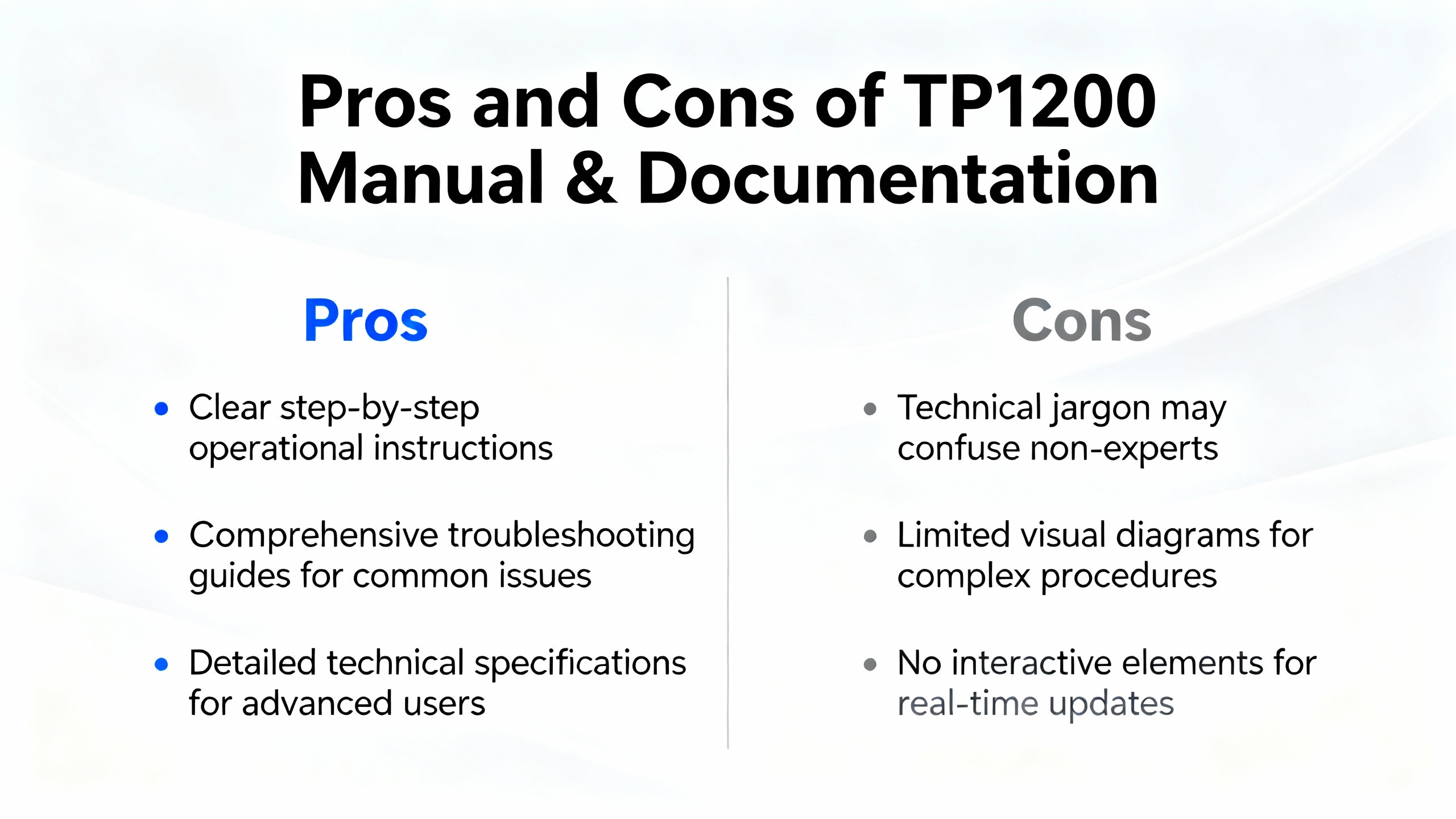
From a systems integrator’s point of view, the TP1200 / Comfort Panels operating instructions have several strengths. The first is consistency. Once you learn your way around the structure for one Comfort panel, the same pattern applies to other sizes and variants. Installation, commissioning, networking, and WinCC runtime behavior are documented in one place, and the technical data sections provide the electrical and environmental details needed for serious engineering.
Another advantage is the explicit coverage of security and remote functions. Password-protected security modes, network settings, web and Sm@rt Server configuration, and certificate handling are all treated as standard topics rather than vendor add‑ons. That aligns the manual with broader industry expectations that HMIs must be secure by design, not by accident.
There are also limitations. Because the manual has to cover many devices, TP1200-specific information sometimes hides among generic text. If you treat every example as model-specific, you risk applying a parameter or limitation from a different panel to your own. It takes deliberate reading to cross‑reference the general chapters with the TP1200-specific drawings and tables.
The operating instructions also assume you have separate exposure to TIA Portal and WinCC engineering. They show how the panel behaves during transfer and runtime, and they outline the scope of functions, but they do not attempt to be a full programming tutorial. For that you rely on WinCC Comfort/Advanced documentation, Siemens alarm logging guides, and practical integration references focused on S7‑1200 or S7‑1500.
When you combine the operating instructions with those programming guides and with external human-factors and security standards, you get a very solid basis for designing and maintaining TP1200 systems. If you rely on the operating instructions alone, you may miss some of the bigger-picture considerations that make an HMI not only functional but also safe and maintainable.
Short FAQ
Do I really need anything beyond the TP1200 operating instructions?
For basic installation and operation, the Comfort Panels operating instructions take you a long way. They cover mounting, wiring, commissioning, runtime behavior, and technical characteristics for the TP1200 and related models. However, once you get into deeper engineering and lifecycle questions, you will want the complementary documents that Siemens and others provide, such as WinCC Comfort/Advanced alarm and logging guides, S7‑1200 integration best practices, and when relevant, migration guides to Unified Comfort Panels. Treat the TP1200 operating instructions as your anchor, not your entire library.
How far into WinCC programming does the manual go?
The operating instructions describe how the panel interacts with WinCC projects: how to transfer them, how the runtime behaves, what alarms, tags, recipes, and logs the TP1200 can handle, and how to configure system-level settings like languages and security. They do not walk you through every step of screen or script creation in TIA Portal. For the actual programming workflow in WinCC, you combine the manual’s runtime and capacity descriptions with the dedicated WinCC engineering documentation and proven integration tips for controllers such as the S7‑1200.
What if I plan to migrate from TP1200 Comfort to Unified Comfort later?
Siemens publishes a specific guide for migrating projects from Comfort Panels to Unified Comfort Panels, and there is a separate operating instructions manual for Unified Comfort devices. If you know a migration is likely, you should still use the TP1200 operating instructions as your reference for the current installation, but it is wise to design your tag structure, screen hierarchy, and alarm model in a way that avoids model-specific shortcuts. Keeping your design close to what Siemens documents as standard behavior makes later migration to Unified platforms more straightforward.
Closing
A TP1200 Comfort panel is only as good as the engineering and operations discipline behind it. The Siemens Comfort Panels operating instructions, supported by WinCC programming guides and sound human-factors practice, give you the framework to build HMIs that your operators can trust. Use the manual not as a formality but as a working tool, and your TP1200 projects will be much easier to commission, support, and evolve.
References
- https://ntrs.nasa.gov/citations/20160012462
- https://www.nist.gov/publications/human-engineering-design-criteria-standards-part-1-project-introduction-and-existing
- https://pmc.ncbi.nlm.nih.gov/articles/PMC12319011/
- http://www.osha.gov/otm/section-4-safety-hazards/chapter-4
- https://rosap.ntl.bts.gov/view/dot/2584/dot_2584_DS1.pdf
- https://niccs.cisa.gov/training/catalog/tonex/human-machine-interface-hmi-safety-principles
- https://www.cdc.gov/niosh/docs/mining/UserFiles/works/pdfs/2002-134.pdf
- https://www.ecfr.gov/current/title-49/subtitle-B/chapter-II/part-236/appendix-Appendix%20E%20to%20Part%20236
- https://www.faasafety.gov/files/gslac/courses/content/258/1097/AMT_Handbook_Addendum_Human_Factors.pdf
- https://www.nrc.gov/reading-rm/doc-collections/nuregs/staff/sr0700/index
Keep your system in play!
Top Media Coverage
Categories



Related articles Browse All
-
 BlogImplementing Vision Systems for Industrial Robots: Enhancing Precision and Automation2025-08-12 11:26:54Industrial robots gain powerful new abilities through vision systems. These systems give robots the sense of sight, so they can understand and react to what is around them. So, robots can perform complex tasks with greater accuracy and flexibility. Automation in manufacturing reaches a new level of ...
 -
 BlogOptimizing PM Schedules Data-Driven Approaches to Preventative Maintenance2025-08-21 18:08:33Moving away from fixed maintenance schedules is a significant operational shift. Companies now use data to guide their maintenance efforts. This change leads to greater efficiency and equipment reliability. The goal is to perform the right task at the right time, based on real information, not just ...
 -
 BlogThe Evolution of Steam Turbine Control Systems2026-03-31 08:33:35CALL US:+86-18020776786 | E-MAIL:INFO@AMIKON.CN In-depth analysis of the GE Mark VIe control system Mark VIe: A Modern Mainstay for Industry 4.0 Mark VIe's core concepts are "high availability, open connectivity, and intelligent readiness." It utilizes comm...


- Q&A
- Policies How to order Part status information Shipping Method Return Policy Warranty Policy Payment Terms Email Marketing Policy VAT and Import Information
- Asset Recovery
- We Buy Your Equipment. Industry Cases Amikong News Technical Resources Why choose us FAQs
- Registered Address
-
32D Guomao Building, No.388, Hubin south Road, Siming district, Xiamen,Fujian, China

Leave Your Comment