
-
Please try to be as accurate as possible with your search.
-
We can quote you on 1000s of specialist parts, even if they are not listed on our website.
-
We can't find any results for “”.
Allen Bradley 2711P‑T10C4D9 PanelView Replacement: Upgrade and Compatible Solutions


When a 2711P‑T10C4D9 fails on a running line, it is never “just a screen.” It is the face of your control system, the piece operators trust, and often the single point that keeps product moving. As a systems integrator who has spent years in hot, noisy panels keeping Allen‑Bradley HMIs alive, I have learned that how you handle a PanelView replacement matters as much as what you buy.
This article walks through how to recognize a failing 2711P‑T10C4D9, how to decide between repair, one‑for‑one replacement, or a broader upgrade, and how to manage compatibility so you do not discover bad news at 2:00 AM with production waiting. Along the way, I will connect the practical steps to the control‑panel standards and HMI maintenance practices documented by Rockwell Automation, Siemens, E Tech Group, Enercon, and others, so the recommendations are not just war stories but aligned with recognized guidance.
Why Your 2711P‑T10C4D9 Is More Than a Catalog Number
On paper, the 2711P‑T10C4D9 is one more entry in the 2711P family. On a real plant floor, it is the primary window into your process. IndustrialAutomationCo notes that HMIs are among the most visible and critical devices in a plant; when they misbehave, operator confidence drops, errors increase, and downtime follows. In many facilities, one PanelView covers an entire cell, packaging line, or unit operation. Losing it can mean losing the ability to start, stop, or recover safely.
That is why you cannot treat a failed 2711P‑series HMI as a simple hardware swap. The unit carries your project file, your tag mapping, the operator’s mental model of the process, and often the only convenient way to read alarms and diagnostics. Replacement touches electrical design, communication, safety, and documentation at the same time. It is closer to a small project than a spare‑parts task.
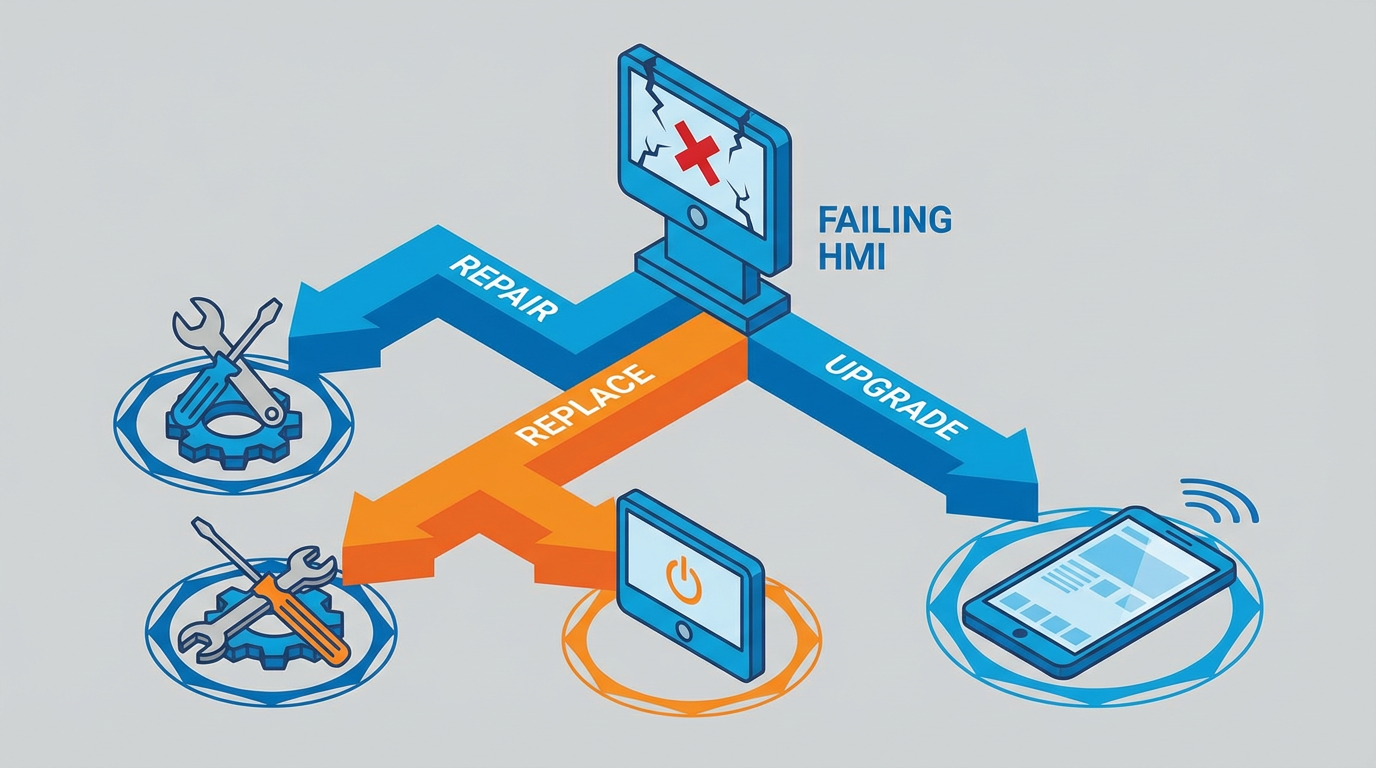
The good news is that there are workable paths: component‑level repair, like‑for‑like replacements (including refurbished units), and platform upgrades. Each can be the right answer in the right context. The rest of this article focuses on choosing and executing the right one for a 2711P‑T10C4D9‑based station.
Recognizing a Failing PanelView Before It Fails You
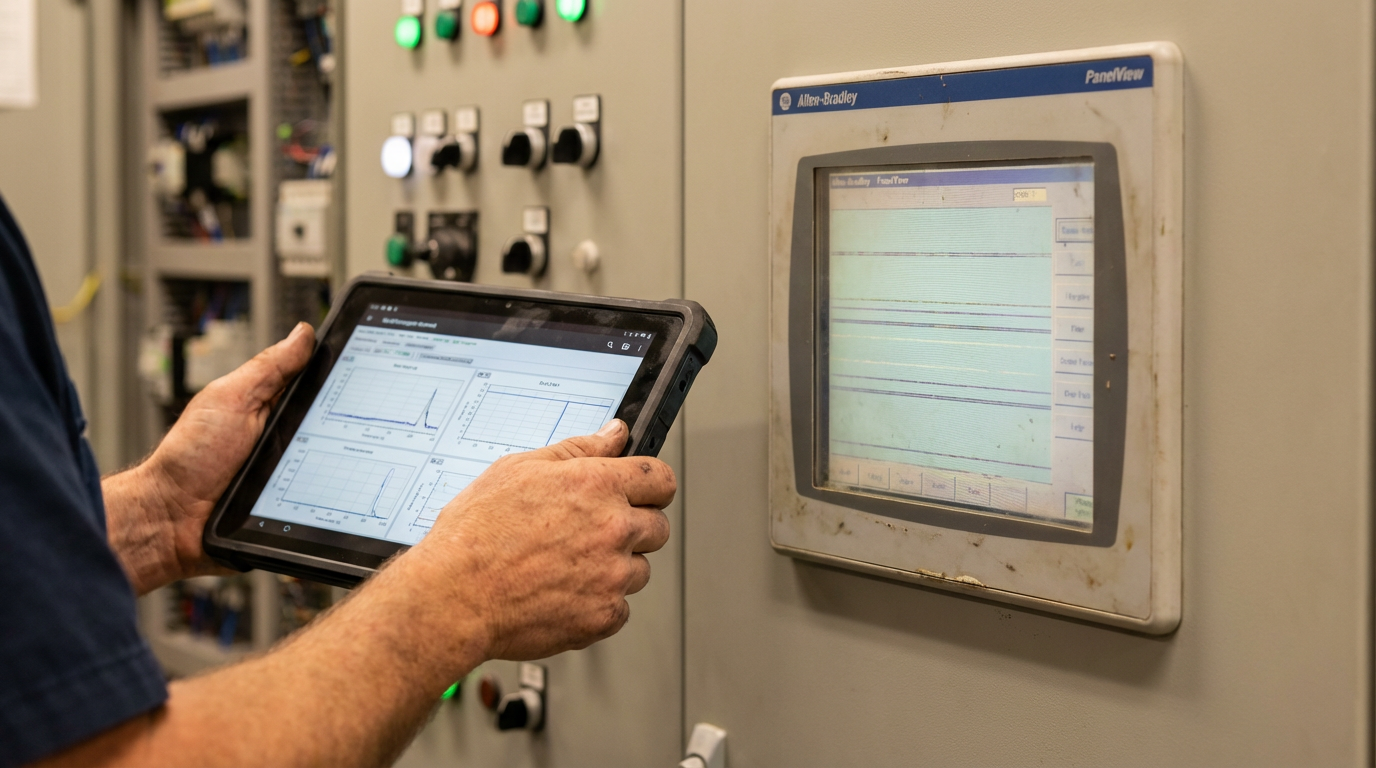
You almost never go from “perfectly fine” to “dead” without warning. The HMI failure patterns described by IndustrialAutomationCo, Rockwell‑focused repair houses, and Rockwell’s own knowledge base are very consistent across PanelView models, from older units such as the PanelView 550 and 600 to newer PanelView Plus 7 terminals. You can safely apply those patterns to a 2711P‑T10C4D9.
Touchscreen symptoms usually show up first. Inputs are delayed, presses do not register, or touching one button seems to trigger another. Over time you may notice “dead zones” where repeated presses do nothing. On resistive screens, this is often simple wear and tear in the touch layer or a calibration that has drifted. Repair specialists studying the PanelView 550 point out that the touch and display assembly is a classic weak spot, and the same principle applies here.
Display issues are another early warning. Fading backlight, flicker during boot, horizontal or vertical lines, or a screen that is readable only in a darkened room are all signs of a tired display stack. In older HMIs, backlights tend to age out after many tens of thousands of operating hours. Once the backlight is gone or the LCD starts to fail, operators begin making mistakes simply because they cannot see the process clearly.
System behavior problems are harder to ignore. Frequent freezing, spontaneous reboots, a stuck splash screen, or applications that load but never fully start usually point to internal power, memory, or firmware trouble. IndustrialAutomationCo highlights random lockups and communication errors as classic indicators of aging internal components, not just noisy networks.
Communication faults often blur the line between HMI and PLC problems. When you see intermittent “no response” alarms, tags showing as asterisks, or values that simply stop updating, you may be dealing with network cabling, switches, protocol settings, or a failing HMI port. Rockwell‑style troubleshooting guidance for PanelView Plus and Plus 7 terminals emphasizes matching baud rates and node numbers, using the right comm drivers, and watching COMM and Fault indicators to separate network issues from HMI hardware issues.
Finally, physical wear and contamination should not be ignored. Cracked bezels, loose connectors, broken keypads, missing gaskets, and evidence of water or dust ingress all accelerate electronic failures. Control‑panel design guides from Siemens, E Tech Group, and Enercon all stress protecting devices with appropriate enclosures, gasketing, and environmental ratings; a PanelView that has clearly lived outside its design envelope is a replacement candidate even if it still boots.
The most economical replacements are almost always the ones you plan when these early signs appear, not after the screen goes black.
Repair, Like‑for‑Like Replacement, or Platform Upgrade
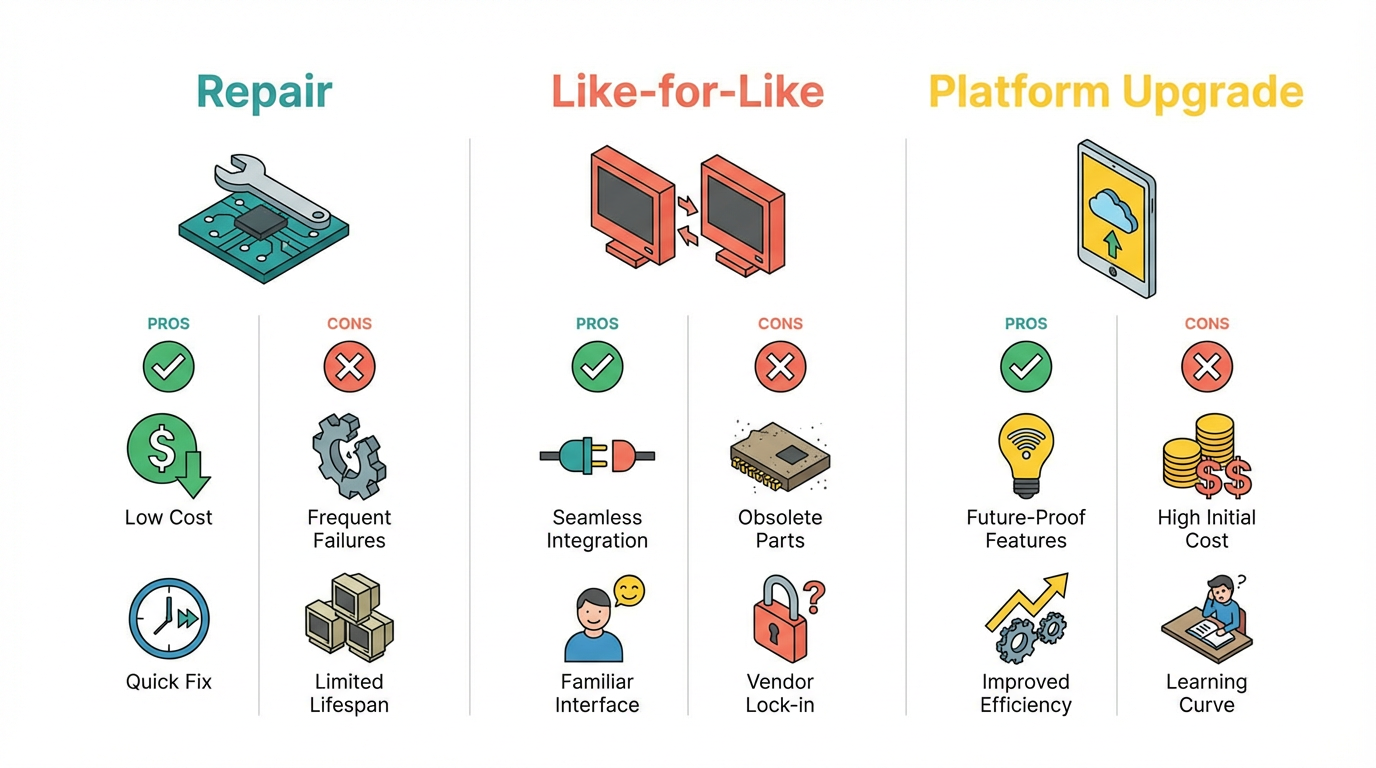
When a 2711P‑T10C4D9 is in trouble, plant teams usually debate three options: repair the existing terminal, swap in a like‑for‑like unit, or use the failure as a trigger to modernize the HMI platform. There is no universal right answer. The decision depends on how critical the station is, how standardized your fleet is, how much downtime you can tolerate, and where the rest of your control system is in its lifecycle.
Option 1: Repairing the Existing 2711P‑T10C4D9
Repair makes sense when your control architecture is stable, the application running in the HMI has proven itself, and downtime is expensive enough that keeping the exact unit in service is attractive.
Typical professional repair workflows, as described by repair providers working on PanelView 550 and PanelView Plus terminals, start with a controlled teardown. The unit is powered down, the front bezel and housing are removed, and the internal boards and cables are inspected for obvious damage such as bulging capacitors or corroded connectors. The technician then isolates whether the problem is confined to the LCD or touch assembly, the internal cabling, or the logic board itself.
In many cases, particularly where the symptoms are fading, lines on the screen, or unresponsive touch input, the fix is a straightforward replacement of the LCD/touch module. Repair houses report that swapping the front module and re‑testing often restores full function without touching the base electronics. Once parts are replaced, the unit is cleaned internally to remove dust and contaminants and then function‑tested before being returned to service.
From a systems‑integrator perspective, the advantages of repair are clear. You keep your existing application image intact, you avoid firmware surprises, and you do not change any wiring or cutouts in the door. Cost is usually lower than buying a brand‑new terminal, especially for legacy products. The tradeoffs are equally real. You are still on an older platform, you are still dependent on the long‑term availability of that product family, and the overall lifecycle clock has not been reset. Repair is a good choice when you need to buy time without taking on a redesign.
Option 2: Like‑for‑Like 2711P‑T10C4D9 Replacement
One‑for‑one replacement with the same catalog number is the least disruptive option when the existing design is sound. IndustrialAutomationCo is blunt about the benefit of matching the exact part number and configuration when replacing a failing HMI: it minimizes surprises. Even within the same display size, suffix differences can indicate changes in power supply type, communication ports, or series and firmware details that matter to your application software.
For a 2711P‑family HMI, a like‑for‑like replacement typically means locating the same catalog number, confirming it supports the same power input, and verifying that the communication ports you rely on are present. Specialized suppliers explicitly advertise support for a wide range of legacy PanelView part numbers, including various 2711P models, and offer refurbished units with multi‑year warranties to fill this role when new stock is scarce.
Before you loosen a single mounting screw on the failed unit, you should secure the HMI application. IndustrialAutomationCo stresses backing up the existing project file, such as a runtime file in a typical PanelView Plus environment. If the unit is still limping along, extract the application over the network or via removable media. When the HMI is already dead and no backup exists, some vendors can clone the memory device directly to recover the project and reduce re‑engineering effort.
Once your application is safe, treat the replacement as a controlled installation rather than a rushed swap. Verify panel power ratings against the new terminal’s nameplate. Confirm the mounting pattern and panel cutout match; even small differences are painful to discover with a hole already punched in a stainless door. Check that the enclosure’s protection rating and environmental conditions are appropriate. Control‑panel guidelines from Siemens and Enercon emphasize matching device ratings to the dust, washdown, and temperature conditions of the area; a replacement that downgrades that protection is a code and reliability problem.
After physical installation, download the saved application, validate communication with the PLC, watch the COMM and Fault indicators if present, and have operators run through key screens. The upside of this path is speed and predictability when done carefully. The downside is that it locks you further into a specific product that may already be moving toward the end of its official support window.
Option 3: Upgrading to a Newer HMI Platform
A third option is to accept the failed 2711P‑T10C4D9 as a signal that it is time to modernize. Control‑panel designers such as E Tech Group, SureControls, and the Morse Group all point out that panels and automation platforms have finite lifespans. At some point, recurring downtime, difficulty finding spare parts, and the risk of obsolete technology outweigh the short‑term convenience of staying put.
On the HMI side, that modernization often means moving to a newer generation of PanelView devices or a different HMI architecture that better aligns with your current PLC platform and networking strategy. Rockwell documentation and integrator articles about PanelView Plus 7, for example, underline improved communications, diagnostics, and long‑term support compared with many earlier HMIs.
An upgrade is rarely just a hardware swap. It may involve re‑engineering the application screens, retagging communications to match new drivers, and updating your control‑panel drawings. If you are already considering control‑panel changes for reasons such as energy efficiency, safety compliance, or space constraints, it can be efficient to fold the HMI upgrade into that broader project.
The tradeoff is short‑term engineering effort for long‑term stability, security, and maintainability. Xpect Solutions, writing on when to replace aging control panels, points out that panels with outdated technology, poor energy performance, and scarce spare parts become expensive to live with. The same logic applies to an HMI that sits at the center of your operations.
Comparing the Paths at a Glance
You can frame the decision in terms of risk, cost, and future flexibility.
| Path | When It Fits Best | Main Advantages | Main Tradeoffs |
|---|---|---|---|
| Repair existing 2711P‑T10C4D9 | Stable design, strong desire to preserve existing hardware and app | Keeps configuration intact, lower cost than full replacement | Still on aging platform, relies on repair‑parts availability |
| Like‑for‑like replacement | Need fast recovery with minimal change | Minimal design work, predictable behavior | Extends dependence on possibly aging platform |
| Platform upgrade | Facing obsolescence, standardizing fleet, or redesigning panel anyway | Modern features, better lifecycle support, easier expansions | Requires engineering time, operator retraining, project budget |
In practice, large facilities often mix these strategies: repair or like‑for‑like in the short term for uptime, and schedule phased upgrades when production windows allow.

Compatibility Checklist When You Cannot Afford Surprises
Regardless of which path you take, there are five compatibility domains you cannot ignore: electrical, communication, mechanical, environmental, and software. Control‑panel standards from UL 508A and NFPA 70, along with best‑practice guides from Enercon and Siemens, all filter down into these same categories.
Electrical compatibility starts with supply voltage and power consumption. The replacement or repaired unit must match the panel’s power source and be protected by properly sized breakers or fuses, coordinated with the rest of the panel. Enercon and E Tech Group both stress sizing conductors and protective devices to handle full connected load with margin. Whenever you touch a PanelView’s feed, confirm that wire size, overcurrent protection, and grounding align with UL 508A principles and the original panel design.
Communication compatibility is easy to underestimate. IndustrialAutomationCo highlights the need to match communication types and settings when replacing HMIs: EtherNet/IP versus serial connections, node addresses, data rates, and even specific driver types. If you change HMI model or series, validate that the protocols and drivers you rely on are supported in the target platform and firmware. For PanelView Plus and Plus 7, this includes paying attention to project runtime versions and what your configuration software can download.
Mechanical compatibility covers panel cutouts, depth, and door swing. Control‑panel design guides from SureControls and the Morse Group emphasize leaving enough space for ventilation, wiring bend radius, and maintenance access. A physical replacement that fits the hole but blocks wiring ducts, interferes with other door‑mounted devices, or crowds the panel interior can create long‑term headaches and even code issues.
Environmental compatibility is about matching NEMA or similar ratings and staying within allowed ambient conditions. Rockwell‑oriented maintenance articles and Synchronics’ PanelView Plus guidance recommend operating HMIs in roughly 32°F to 131°F, keeping humidity below about 85 percent, avoiding direct sunlight, and minimizing extreme vibration. Siemens and Enercon expand on this by pointing out that enclosure choice, cooling, and condensation control all drive reliability. When you replace or upgrade a PanelView, confirm that the new device’s front and rear environmental ratings fit the area classification and washdown or dust conditions.
Software compatibility is the last piece. IndustrialAutomationCo advises verifying that your configuration software, such as FactoryTalk View ME or similar tools, can read and write the runtime file used by the HMI you are moving to. If you change HMI series or firmware, you may need to convert or rebuild parts of the application. Without that check, you can buy the “right” hardware and still hit a dead end when you try to download the project.
In my own projects, walking through these five domains explicitly for every PanelView change has prevented more problems than any individual brand or part choice.

Application Backup and Firmware Considerations
Before you think about cutting power to a 2711P‑T10C4D9, the application file should be backed up and verified. IndustrialAutomationCo recommends treating the project file as the most critical asset in any HMI replacement. If the terminal is still accessible, extract the runtime file through the configuration environment or via removable media. Store copies in your version‑controlled repository, not just on a laptop that might disappear.
When no backup exists and the HMI is failing, time matters. Some repair and supply partners can duplicate internal memory devices from a damaged unit. The sooner you get a dying terminal to them, the better the odds of salvaging the project. Without that, you are looking at partial or full recreation of the application, which increases cost and risk.
Firmware is the other half of this story. Although a missing Electric Supply & Equipment article prevents us from quoting specific firmware procedures, its very presence underscores that firmware management around PanelView Plus 7 and similar HMIs is a recognized topic. Whenever you introduce a new or refurbished HMI, document its firmware revision and confirm that your project runtime revision is supported. Rockwell configuration tools typically enforce relationships between firmware level and runtime version. If you ignore this, you can end up troubleshooting a “communication” problem that is really a version mismatch.
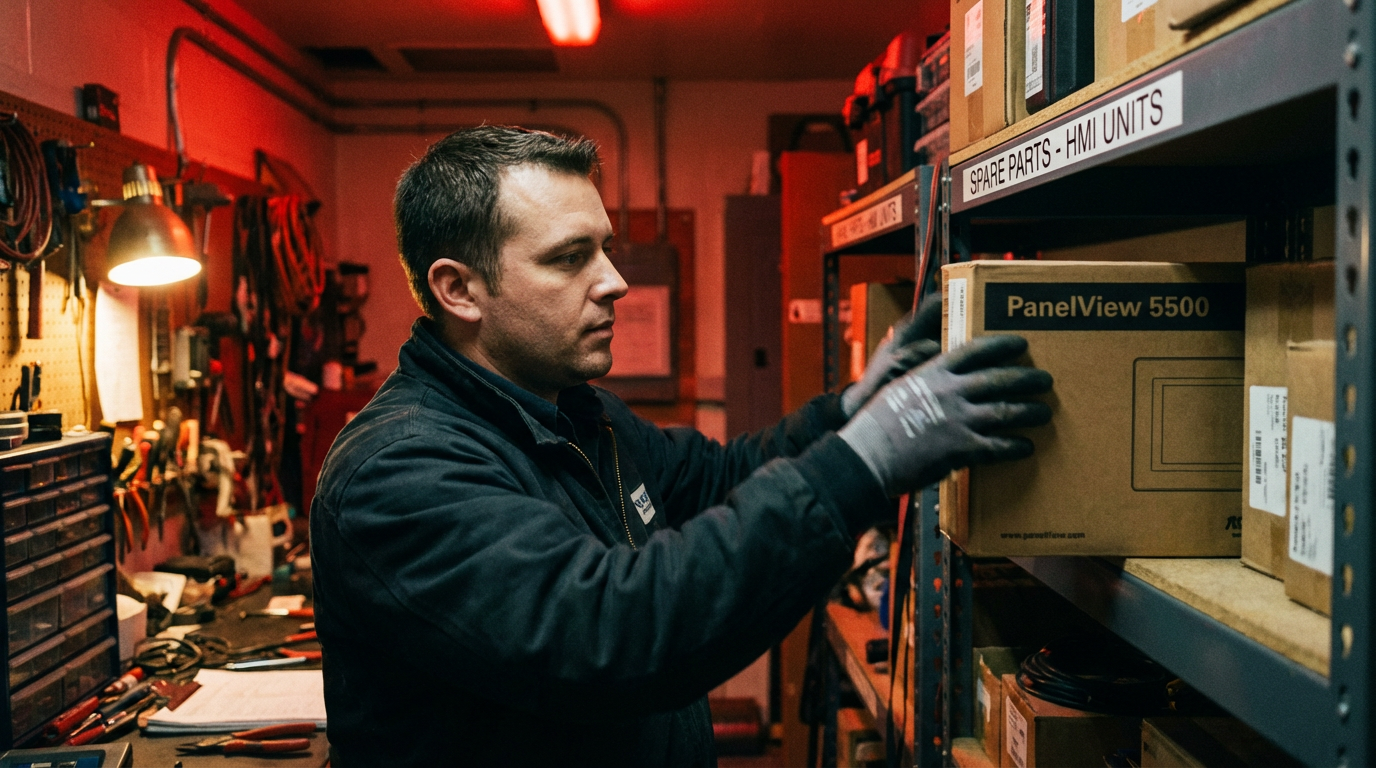
The prudent pattern is straightforward. Establish a standard firmware baseline for your HMI fleet. Keep one or more spares at that baseline. When you replace or repair a unit, align it to the standard firmware and record the change in your panel documentation. That way, when something fails at night, the spare you pull from the shelf does not become a science experiment.
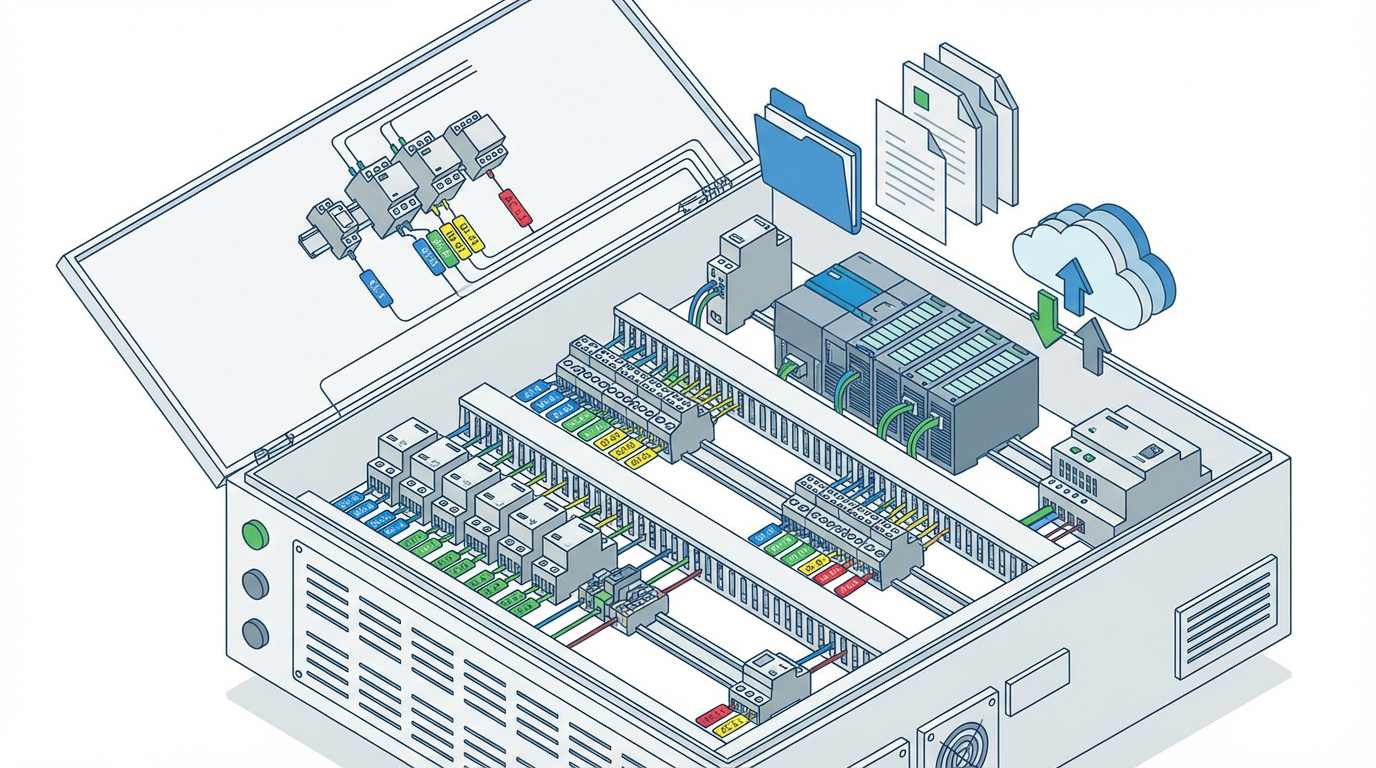
Integrating PanelView Replacement With Control‑Panel Reliability
A 2711P‑T10C4D9 replacement is a perfect moment to ask a harder question: is the rest of the panel still the panel you want for the next decade. Multiple sources, from Siemens’ North American control‑panel guidelines to Enercon’s and SureControls’ design papers, describe the control panel as the nerve center of your automation. It pulls together power distribution, protection, sequencing, safety, networking, and operator interface in one physical system. A weak HMI is often a symptom of broader issues.
Standards such as UL 508A and NFPA 70 Article 409 require that industrial panels meet defined criteria for overcurrent protection, conductor sizing, segregation of power and control circuits, and short‑circuit current rating. E Tech Group notes that newer standards such as UL 60947‑4‑1 are harmonizing component requirements across regions. If your panel predates these changes, touching a major device like the HMI is an opportunity to check that SCCR markings, feeder and branch devices, and wiring methods still align with current expectations.
Thermal management is another area where an HMI replacement can open your eyes. Siemens, Enercon, and SureControls all emphasize calculating heat loads, managing enclosure temperature rise, and derating components where necessary. If the old PanelView shows heat damage, yellowed bezel plastic, or repeated display failures, it may not be the weak link so much as the canary in a hot enclosure. Adding venting, fans, or even a small enclosure air conditioner can protect the new terminal and other components.
Finally, documentation and labeling often lag behind reality. Enercon highlights the importance of keeping schematics, terminal schedules, and component lists current. When you replace a 2711P‑T10C4D9, take the time to update the panel drawings, note the HMI catalog number and firmware, and confirm that wire labels and terminal IDs still match the drawings. That is an inexpensive step that pays off every time someone has to troubleshoot.
Maintenance Practices That Protect Your New or Repaired HMI
Once you have repaired, replaced, or upgraded the PanelView, disciplined maintenance keeps you from repeating the exercise too soon. Rockwell Automation’s HMI cleaning guidance and the PanelView Plus 7 maintenance articles align closely with what we see in the field.
Cleaning must be gentle and dry where possible. Use a soft, lint‑free cloth and, if needed, a mild cleaner designed for electronic displays applied to the cloth, not sprayed directly on the screen. Rockwell and other HMI vendors warn against harsh solvents such as acetone, aggressive degreasers, or abrasive pads that can cloud or crack the display window and damage gaskets. Liquids should never be allowed to pool at the bezel or around keys where they can migrate inside the enclosure.
Ventilation matters. PanelView Plus 7 maintenance notes call out fan filters as a simple but often neglected item. If your 2711P‑family HMI or its enclosure uses filtered fans, checking and replacing those filters on a schedule helps keep internal temperatures within a safe band. Combined with keeping vents and louvers free of dust, this can dramatically improve HMI longevity.
Operational settings should also be reviewed. Adjusting brightness and contrast to reasonable levels improves visibility while extending backlight life and reducing operator eye strain. Configuring screen savers correctly prevents phosphor burn‑in or static image retention. Rockwell troubleshooting guidance shows how misconfigured screen savers or brightness can masquerade as hardware faults.
On the configuration side, schedule periodic backups of HMI applications. When you change a recipe screen, add a new alarm, or adjust a graphic, capture the new runtime file and push it into your version‑controlled archives. Treat HMI project backups the same way you treat PLC program backups.
Finally, treat communication faults as maintenance triggers, not just nuisance alarms. IndustrialAutomationCo points out that intermittent communication errors may stem from cable wear, connector looseness, or early port failures inside the HMI. Investigating these promptly reduces the chance of a sudden, unexplained loss of visibility.
How I Typically Run a 2711P Replacement Project
On paper, replacing a 2711P‑T10C4D9 is simple. In practice, the projects that go smoothly follow a consistent pattern.
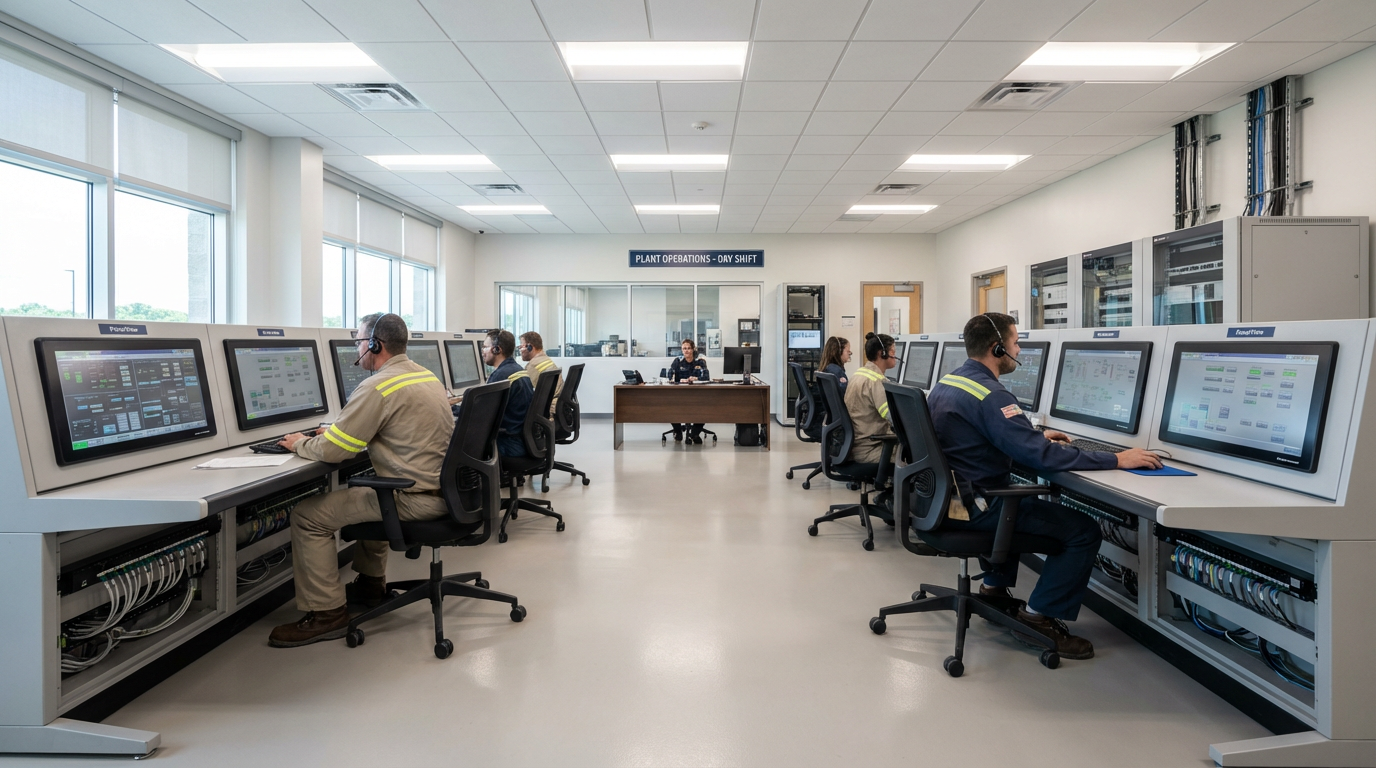
The work starts with triage. I confirm the symptoms, look for the early warning signs described earlier, and decide whether a quick repair, a like‑for‑like replacement, or a planned upgrade makes sense. That decision is never made in isolation; it is made in the context of production schedules, the age of the rest of the panel, and your plant’s standardization goals.
Next comes safeguarding the application. If the HMI is still functional enough to communicate, we extract the project file and document the device’s catalog number, series, and any visible firmware information. We compare that against your inventory of spares and what your preferred vendors can support. IndustrialAutomationCo’s advice on matching part numbers and configuration is front‑of‑mind in this step.
With hardware strategy and software backup in place, we plan the change window. For a like‑for‑like replacement, that may be a short, controlled outage. For a platform upgrade, it may mean building and testing the new HMI on a bench rig first, using recorded PLC data or a simulated controller to vet screens and alarms. E Tech Group and SureControls highlight the value of thoughtfulness in panel layout and testing; the same thinking applies to HMI changes.
Implementation is then a matter of disciplined execution. Lockout and tagout are applied. The old unit is removed, wiring is verified, the new unit is installed, and the application is downloaded. Communications are rechecked, operators are involved in validating key workflows, and any surprises are resolved while the team is still on site.
The final step is closing the loop. Drawings and documentation are updated, backups are stored, firmware levels are recorded, and lessons learned are captured. If the replacement revealed broader panel issues, those are written up and prioritized, whether that means upgrading cooling, addressing power quality problems, or planning a more substantial modernization.
Over time, plants that treat HMI replacements this way end up with cleaner documentation, more predictable behavior, and fewer fire‑drills in the middle of the night.
Frequently Asked Questions
Q: Do I really need to match the exact 2711P‑T10C4D9 part number when I replace the HMI. A: When the goal is a quick, low‑risk swap, using the same catalog number and configuration is the safest path. IndustrialAutomationCo’s guidance on HMI replacement emphasizes that even small changes in part numbers can hide differences in power, communication, or series that affect compatibility. If you intentionally choose a different model, treat it as a small engineering change and verify electrical, communication, and software compatibility before you buy.
Q: When does it make sense to stop repairing and plan a platform upgrade instead. A: If your PanelView failures are becoming frequent, if spare parts are hard to source, or if the control panel itself shows age‑related issues such as corrosion, overcrowded wiring, or non‑compliance with current UL and NEC expectations, it is time to look beyond repair. Xpect Solutions’ discussion of control‑panel replacement and broader panel‑design guides from Enercon and the Morse Group all point out that the tipping point comes when repeated repairs and downtime cost more than a structured upgrade with better safety, energy performance, and maintainability.
Q: Are refurbished 2711P‑family units a safe choice for critical lines. A: Refurbished HMIs from reputable industrial electronics specialists can be an effective way to keep a 2711P‑based design running, particularly when new stock is limited. Vendors in this space advertise multi‑year warranties and full functional testing on legacy PanelView models, including 2711P units. The key is to vet the supplier, verify their test and repair processes, and treat refurbished units as part of a deliberate lifecycle plan rather than an excuse to defer modernization indefinitely.
In the end, replacing a 2711P‑T10C4D9 is less about swapping glass and more about managing risk. If you approach the task with the same rigor you apply to your control panels as a whole, align with the standards and best practices laid out by Rockwell Automation, Siemens, and experienced panel builders, and insist on solid backups and documentation, that replacement becomes an opportunity to strengthen your system instead of just patching it.
References
- https://www.plctalk.net/forums/threads/replacing-touch-display-on-panel-view-plus-1000.110749/
- https://www.newark.com/a-comprehensive-guide-on-industrial-panel-design-trc-ar
- https://synchronics.co.in/allen-bradley-panelview-plus-professional-repair-and-maintenance-guide/
- https://www.enerconpower.com/post/a-guide-to-industrial-control-panels
- https://ese-co.com/knowledge/how-to-set-up-and-upgrade-the-firmware-of-a-panel-view-plus-7-part-2
- https://etechgroup.com/control-system-panel-design/
- https://gesrepair.com/behind-the-scenes-panelview-touch-screen-replacements/
- https://monitech.com/upgrade-your-allen-bradley-panelview-700-plus-with-the-2711p-t7c4d8-touchscreen-replacement/?srsltid=AfmBOorHkdnUHL6fxv4pv0hm1RLYQ456AvAUaxacReoznT8cyaykngCo
- https://www.themorsegroup.com/control-panel-design-best-practices-for-manufacturing-systems/
- https://automationdistribution.com/blog/control-panel-design-guide-best-practices-for-industrial-automation/?srsltid=AfmBOoo2VpERkp1StfESfTx5G4c9VrJN3c7nks0bxOizVuGri5v8Nnjg
Keep your system in play!
Top Media Coverage
Categories


Related Products
-
 PanelView Plus 700 Operator TerminalManufacturer: Allen-Bradley
 -
OPERATOR INTERFACEManufacturer: Allen-Bradley
-
 OPERATOR INTERFACEManufacturer: Allen-Bradley
 -
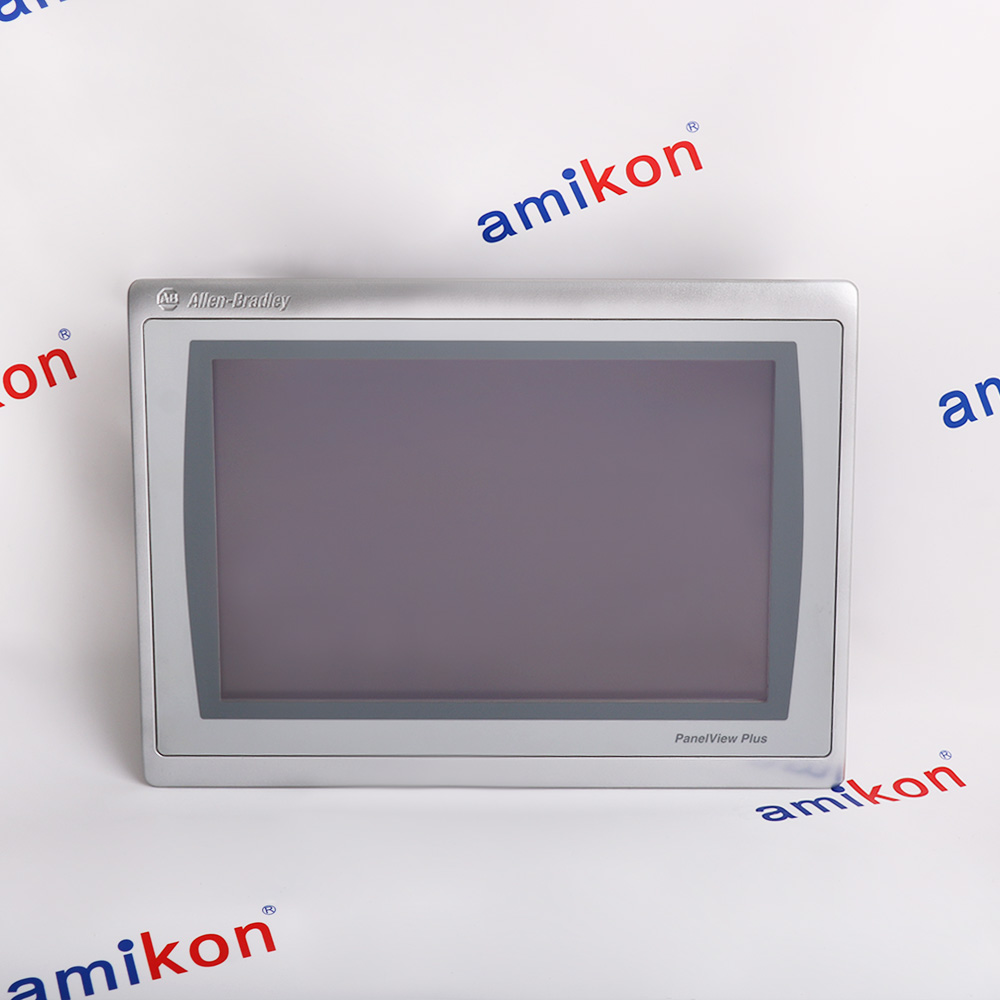 PanelView Plus 7 Performance operator terminalIn StockManufacturer: Allen-Bradley
 -
Operator interface terminalManufacturer: Allen-Bradley
-
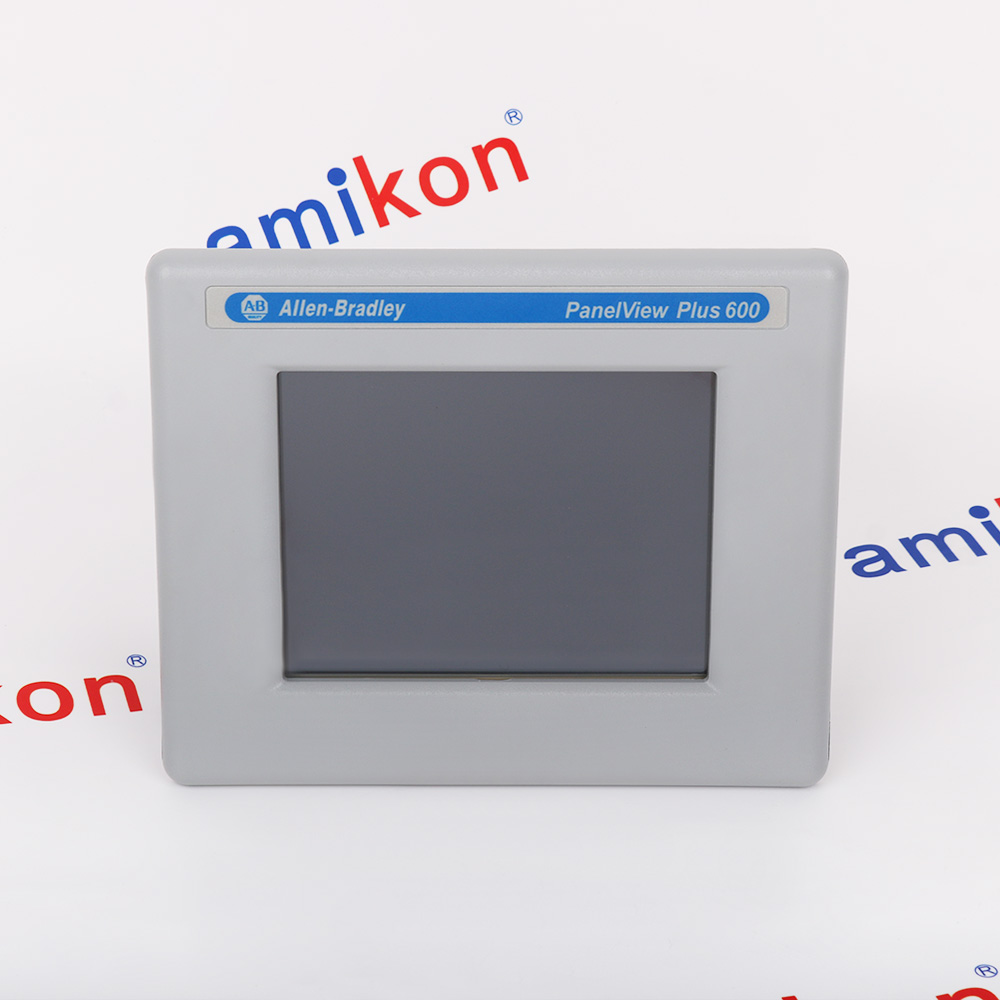 OPERATOR INTERFACEManufacturer: Allen-Bradley
 -
OPERATOR INTERFACEManufacturer: Allen-Bradley
-
PanelView Plus Graphic TerminalsManufacturer: Allen-Bradley
-
OPERATOR INTERFACEManufacturer: Allen-Bradley

Related articles Browse All
-
 BlogImplementing Vision Systems for Industrial Robots: Enhancing Precision and Automation2025-08-12 11:26:54Industrial robots gain powerful new abilities through vision systems. These systems give robots the sense of sight, so they can understand and react to what is around them. So, robots can perform complex tasks with greater accuracy and flexibility. Automation in manufacturing reaches a new level of ...
 -
 BlogOptimizing PM Schedules Data-Driven Approaches to Preventative Maintenance2025-08-21 18:08:33Moving away from fixed maintenance schedules is a significant operational shift. Companies now use data to guide their maintenance efforts. This change leads to greater efficiency and equipment reliability. The goal is to perform the right task at the right time, based on real information, not just ...
 -
 BlogThe Evolution of Steam Turbine Control Systems2026-03-31 08:33:35CALL US:+86-18020776786 | E-MAIL:INFO@AMIKON.CN In-depth analysis of the GE Mark VIe control system Mark VIe: A Modern Mainstay for Industry 4.0 Mark VIe's core concepts are "high availability, open connectivity, and intelligent readiness." It utilizes comm...


- Q&A
- Policies How to order Part status information Shipping Method Return Policy Warranty Policy Payment Terms Email Marketing Policy VAT and Import Information
- Asset Recovery
- We Buy Your Equipment. Industry Cases Amikong News Technical Resources Why choose us FAQs
- Registered Address
-
32D Guomao Building, No.388, Hubin south Road, Siming district, Xiamen,Fujian, China

Leave Your Comment